Why Your Social Posts Flop
🎨 Your text might be fighting your image, and flat websites are losing attention fast.

Hey there 🧠
Ready for another day of staying ahead of the competition in the Growth race?
Oh and before we go ahead! If your friend sent this to you, be sure to subscribe here! So you don’t miss out on any editions.
Partnership with Planable
Agency Profitability Report: Benchmarks & Trends (2026)
Every agency founder runs the same mental checklist. Do we need to raise our prices? Maybe we need a bigger team? Should we just go all-in on AI?
Planable surveyed 186 SEO and Social agencies to understand which patterns are most strongly associated with profitability.
The agencies reaching 41%+ margins look structurally different:
- They’re more likely to have a broader client base. 53% of single-client agencies are losing money. Meanwhile, 53% of solo founders serving 5-10 clients are high-profit.
- They’re more likely to optimize labor. 40.8% of high-profit agencies use labor optimization as their primary lever.
- They don’t rely on AI alone. AI works very differently depending on the surrounding operational and commercial model.
Find out where you stand, what may be driving the margin gap, and which structural patterns are most closely tied to stronger margins.
✨ Stop letting text overpower visuals, and stop letting your website look two-dimensional.
💡 How To Design Social Media Images That Actually Drive Engagement
If your post looks good but underperforms, the problem may not be your offer.
It may be your design.
Research analyzing 30,000+ organic brand posts across Facebook and Instagram found a clear pattern: when text and visuals compete for attention, engagement drops.
Here’s how to fix it.
1️⃣ Align Text And Visuals:
Your image and your copy should communicate the same message.
Do not pair a model in a summer dress with text about free returns. Mixed signals create cognitive friction.
When visuals and words reinforce each other, processing becomes effortless and engagement rises.
2️⃣ Keep Text Central And Clear:
Centered overlays with a positive, informative tone perform better than long, wordy captions inside the image.
“New arrivals this season” works better than a paragraph squeezed into a graphic.
Clarity beats cleverness.
3️⃣ Match Text Size To Image Complexity:
Complex images with multiple faces or background elements demand attention naturally.
Large text overlays on busy visuals create competition. When visuals are rich, reduce text size. Let the image breathe.
4️⃣ Avoid Overshadowing The Visual:
Posts with oversized text covering key visual details saw lower engagement.
Text should support the image, not dominate it.
5️⃣ Use The Right Ratio For Video:
If using video, keep text overlays around 11% of the frame on Instagram and up to 46% on Twitter.
Platform context matters.
Why This Works
We are wired to focus on visually rich scenes. When bold text fights for the same attention, the brain splits focus and engagement drops.
But when visual and verbal cues deliver the same message, comprehension becomes effortless. Effortless processing leads to higher interaction.
The Takeaway
Your image and text should collaborate, not compete.
When design reduces cognitive friction and reinforces one clear message, engagement becomes easier to earn.
💡 How To Create 3D Apps And Websites With AI
3D websites used to require developers, designers, and weeks of iteration.
Now you can build one with a single prompt.
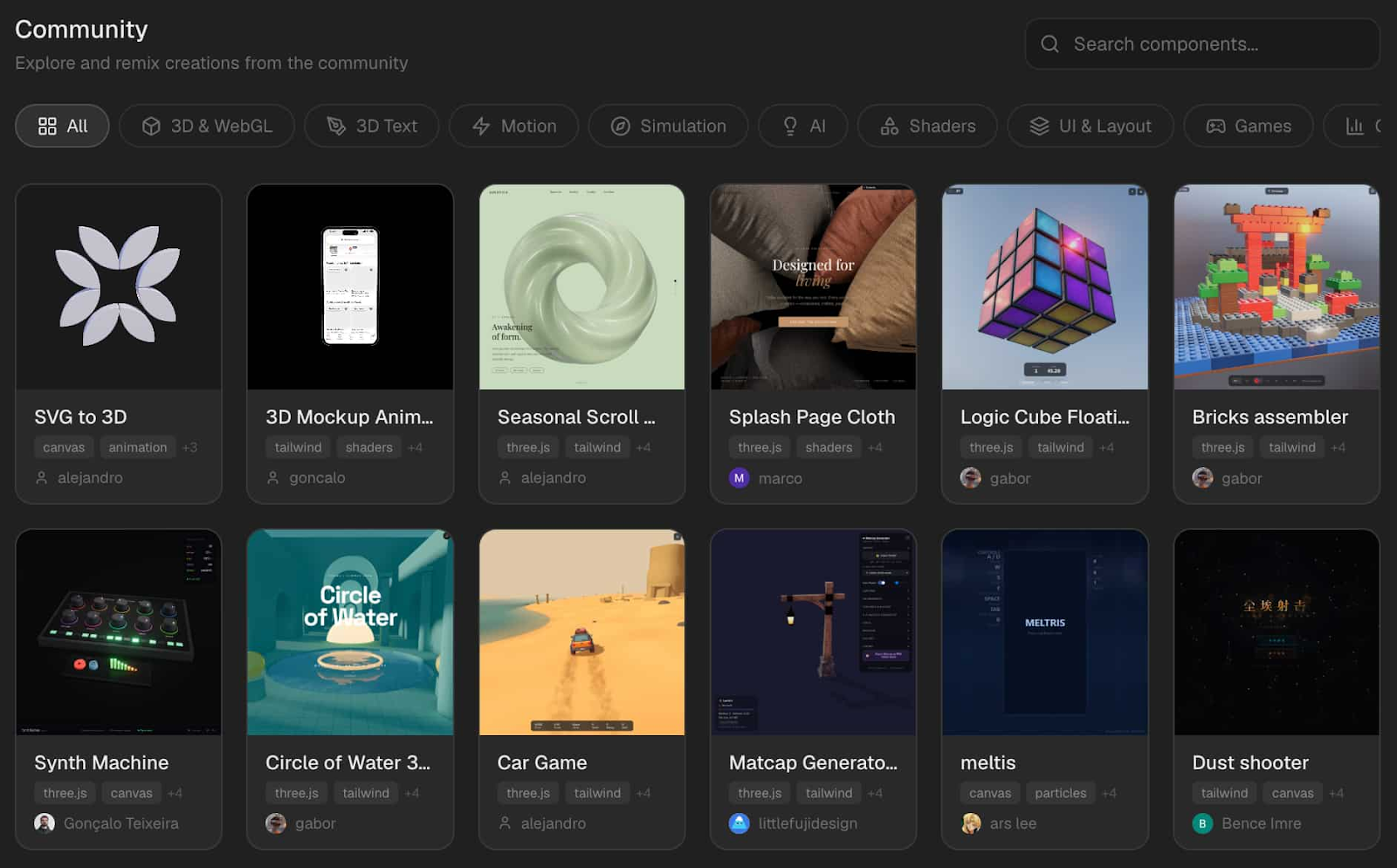
Here’s how to create interactive 3D apps and landing pages using Omma.
1️⃣ Sign Up On Omma:
Head to Omma and create a free account. Once inside, you can either start from scratch or remix community creations.
2️⃣ Describe What You Want:
Enter a detailed prompt explaining the type of 3D experience you need.
Example:
“Create a bold 3D landing page for a food delivery service with interactive menu previews.”
The clearer your description, the more structured and usable the result.
3️⃣ Generate Your 3D Page:
Within minutes, Omma produces a fully interactive 3D layout. This includes structure, animations, and visual depth.
4️⃣ Refine With Prompts:
Want to change colors, spacing, animations, or layout sections? Simply describe the adjustments. No code required.
5️⃣ Preview And Publish:
Once satisfied, preview your experience and publish it live.
The Takeaway
3D web design is no longer reserved for high-budget teams. With AI tools like Omma, you can turn a simple idea into an interactive 3D experience using natural language commands.
As we prepare more "Growthful" content, we'd love to hear your thoughts on today's edition! Feel free to share this with someone who would appreciate it. 🥰