Why Generic Product Names Underperform
🧠 Discover why naming the use case can make products more compelling, then use Claude to turn static presentations into animated explainers.

Hey there 🧠
Ready for another day of staying ahead of the competition in the Growth race?
Oh and before we go ahead! If your friend sent this to you, be sure to subscribe here! So you don’t miss out on any editions.
In Partnership with SurveyMonkey
Make the Next Decision With Real Feedback

You need to know why customers aren’t buying. But commissioning research takes budget, and running it yourself adds work to a team already chasing targets.
SurveyMonkey does the research work for you. You choose what to test and who to reach. It recruits respondents through its paid panel and analyzes their answers, giving you findings to guide your next decision.
Here’s what that looks like:
- Tweezerman validated 10 product ideas with SurveyMonkey Audience, gathering consumer feedback in days to guide product launches.
- Greyhound reduced weekly customer-feedback analysis from 3 hours to 3 minutes, freeing station managers to act on the findings.
- Helix Sleep cut product-development time by 50% using survey insights. Its resulting pillow sold out in the first month.
Put your next product idea or pricing decision through customer research. You’ll have evidence to decide what needs changing before committing to the rollout.
💡 Your Product Name Should Tell Buyers What It’s For
A product name shouldn’t make customers work to understand where it fits in their life.
Research suggests that adding a clear use case to the name can make products feel more useful and more desirable.
Here’s what the data shows.
1️⃣ Specific Names Increase Purchase Intent: Across four experiments, researchers compared broad product names with more use-specific versions.
For example, “sleep-aid scented candle” performed better than simply “scented candle.”
Participants were up to 9.5% more likely to say they would buy the more specific version.
2️⃣ Use Cases Make Products Feel More Useful: Specific names also increased perceived usefulness by 9.7%.
That’s because the name helps shoppers immediately understand the job the product is meant to do.
3️⃣ Searchers Respond Even More: The effect was stronger among people actively looking for a product than among casual browsers.
That makes this especially relevant for shopping ads, marketplace listings, product pages, and internal site search.
4️⃣ Don’t Over-Specify: A strong name should clarify one clear use case, not narrow the audience too aggressively.
“Traveling scented sleep candle for moms of newborns” may be specific, but it also excludes too many potential buyers.
5️⃣ Use Names To Help Buyers Self-Select: Product names can also signal who the product is for; or isn’t for.
“Plan for agencies managing 10+ clients” says far more than “Pro Plan” and helps the right customer decide faster.
Why It Works
Specific names reduce the mental effort required to imagine how a product fits into someone’s life.
That makes the value easier to understand and the decision easier to make.
The Takeaway
Don’t just name the product.
Name the job it does.
Test more specific product names where purchase intent matters most.
💡 Turn A Static Presentation Into An Animated Explainer With Claude
Most company presentations are built to be read, not watched.
Claude’s Motion feature can turn a dense deck into a shorter animated explainer that is easier to follow and easier to share.
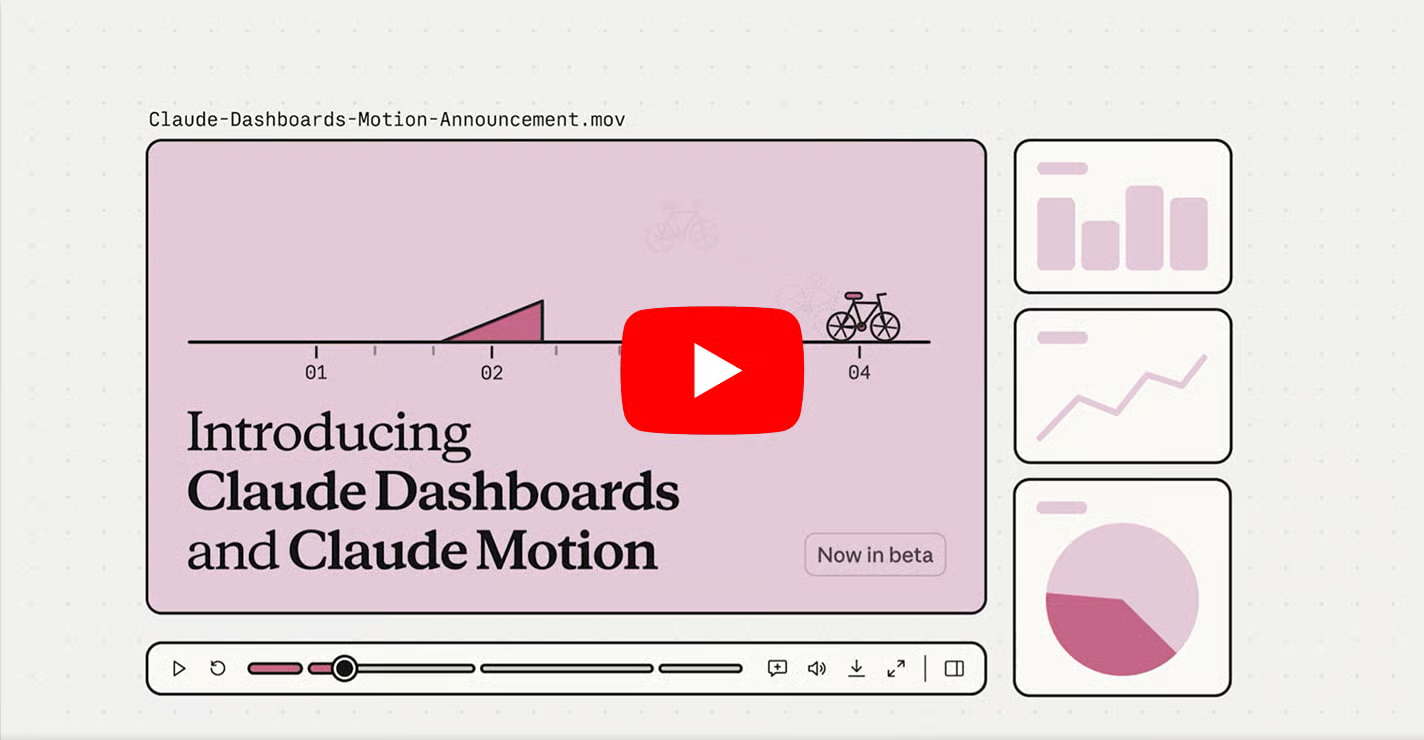
Here’s how to do it.
1️⃣ Upload the Presentation: Open Claude and upload the deck you want to transform.
Then select Motion from Output or open it through Artifacts.
2️⃣ Define the Audience First: Tell Claude exactly who the explainer is for.
This helps it decide which ideas to keep, which jargon to simplify, and how much context the viewer needs.
3️⃣ Ask For A Clear Narrative: Instead of animating every slide, ask Claude to reduce the deck to the most important ideas.
A strong structure usually moves from problem to insight to takeaway, with concise on-screen text and clear visual transitions.
4️⃣ Use Visuals To Simplify Complexity: Claude can combine text, charts, shapes, and existing images from the deck to create the animation.
Ask it to use visual metaphors, animated charts, and simple scenes rather than recreating the presentation slide by slide.
5️⃣ Refine Before Exporting: Review the animation and shorten any scenes that feel dense.
Emphasize important numbers, simplify visuals, and make sure each scene is understandable without seeing the original presentation.
Once it feels clear, export the final explainer as an MP4.
Why It Works
Animated explainers force presentations to become more focused.
Instead of asking viewers to process dense slides, they guide attention through one idea at a time.
The Takeaway
Don’t just animate the deck.
Simplify the story first, then use motion to make the most important ideas easier to understand and remember.
As we prepare more "Growthful" content, we'd love to hear your thoughts on today's edition! Feel free to share this with someone who would appreciate it. 🥰