Which AI Features Can Hurt Engagement?
🤖 Learn why aggressive AI policies can weaken creator engagement, then build a Grok Bot that answers your team’s data questions on demand.

Hey there 🧠
Ready for another day of staying ahead of the competition in the Growth race?
Oh and before we go ahead! If your friend sent this to you, be sure to subscribe here! So you don’t miss out on any editions.
In Partnership with AirOps
See what competitors are advertising in ChatGPT
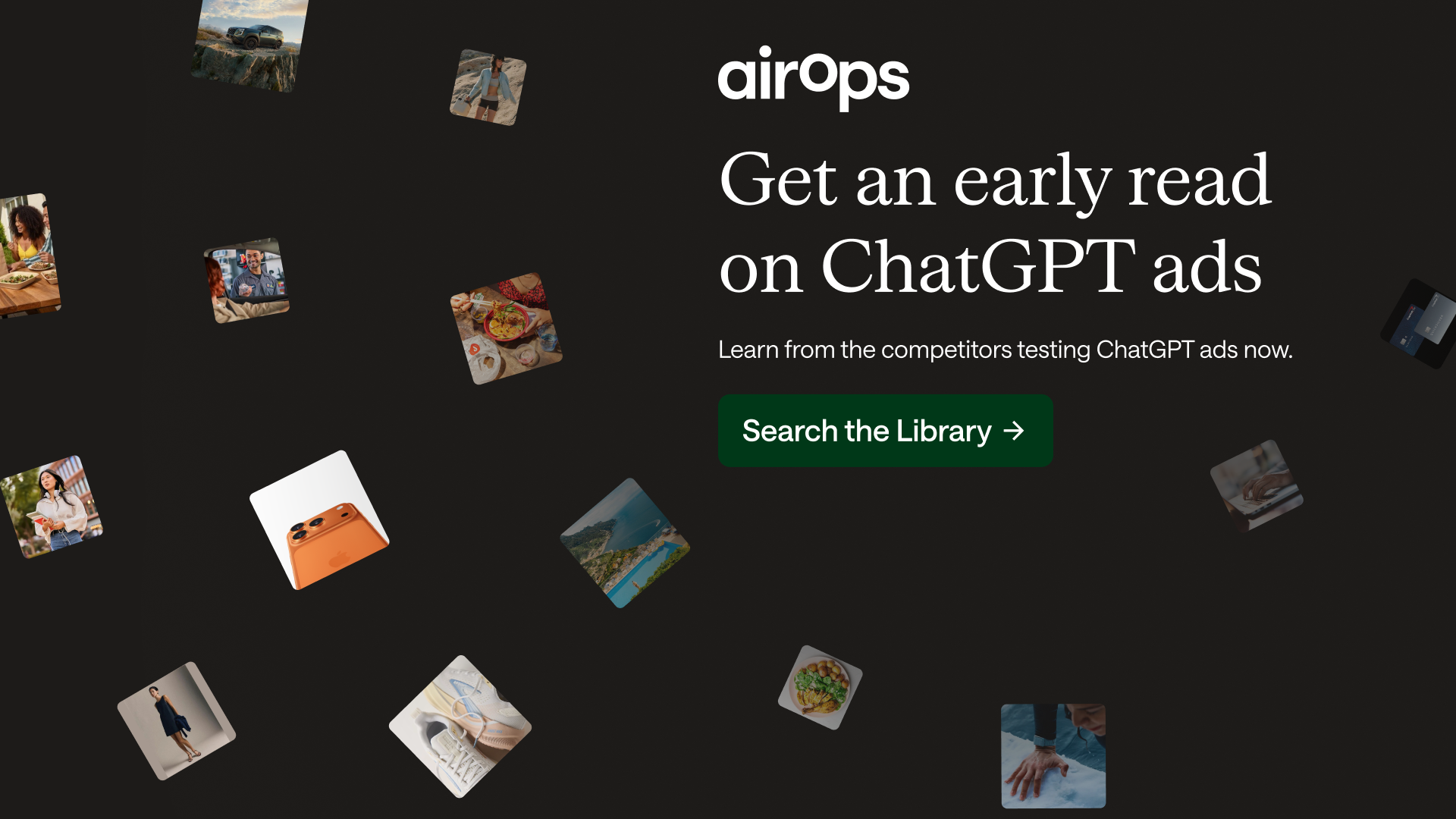
Planning a ChatGPT ads test? Seeing what other brands are running gives you a clearer starting point for deciding what’s worth your budget.
The AirOps ChatGPT Ad Library lists 6,000+ brands. Search by brand name or domain to see competitor ad messaging, then explore the prompts where those ads appeared to understand the conversations behind the creative.
Bring those examples into your next campaign discussion. Use them to choose a messaging angle worth testing and explain why that test deserves a budget.
You’ll have real ads to reference when your team asks what you want to run and why.
Before your next campaign brief gets locked, see what’s already out there.
💡 Aggressive AI Policies Can Push Creators Away
Social platforms are racing to add AI features.
But new research suggests that when platforms lean too heavily into AI, creator engagement can decline.
Here’s what the data shows.
1️⃣ Creator Engagement Falls On Pro-AI Platforms: Researchers analyzed more than 1.5 million posts across two platforms with very different AI policies.
On the more AI-forward platform, creator engagement dropped significantly.
2️⃣ Most Creator Sentiment Is Negative: Around 75% of AI-related opinions shared by creators were negative.
Concerns included lower-quality AI content, copyright issues, and fears that human work could be replaced.
3️⃣ The Platform Stance Matters More Than One Feature: Only a small share of criticism focused on the AI feature itself.
More than half targeted the platform’s broader pro-AI direction, suggesting creators react to what the policy signals about the future of their work.
4️⃣ Established Creators React More Strongly: The effect was stronger among popular creators and those with audiences on other platforms.
Creators with alternatives may be more willing to reduce activity when platform policies conflict with their interests.
5️⃣ Use AI To Support, Not Replace: AI may work better when it helps with analytics, planning, or audience management instead of replacing the creative work itself.
Transparent AI-assisted replies may also help creators manage engagement at scale.
Why It Works
Creators care about ownership, identity, and control over their work.
Policies that feel threatening to those values can weaken their motivation to keep contributing.
The Takeaway
Don’t judge a platform only by reach.
Watch how its AI strategy affects the creators who make the platform valuable.
💡 Turn Grok Bot Into An On-Demand Data Analyst For Your Team
Teams often wait on analysts for questions that could be answered much faster.
Grok Bot can connect to company data and turn recurring analysis into a self-serve workflow.
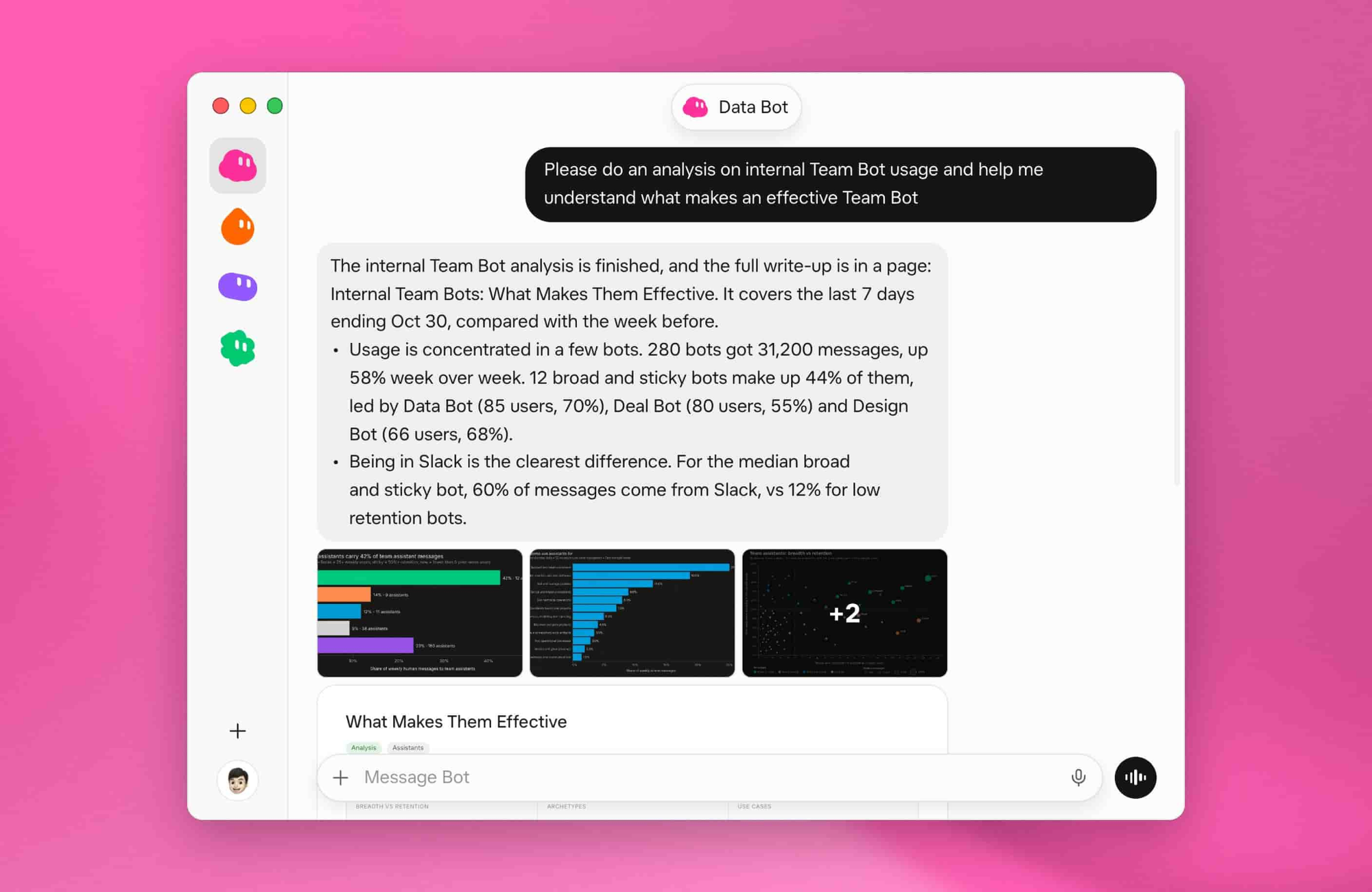
Here’s how to set it up.
1️⃣ Create A Dedicated Data Bot: Open Grok Bot and create a Bot specifically for company data analysis.
Keep its role focused so the same standards are applied every time someone asks a question.
2️⃣ Connect The Right Data Sources: Add the databases, files, plugins, and credentials the Bot needs to access company information.
Only connect sources that are relevant to the analysis you expect it to perform.
3️⃣ Add Company Context: Give the Bot your metric definitions, table descriptions, reporting rules, dashboard conventions, and any business logic it should follow.
This helps prevent inconsistent interpretations of the same data.
4️⃣ Make The Analysis Structured: Ask the Bot to investigate a metric, break results down by segment, time period, or region, identify likely drivers, and flag possible data-quality issues.
It should also return a concise explanation with the exact metrics and supporting charts used.
5️⃣ Test Before Sharing: Run several real questions and review the answers carefully.
Refine the instructions, add reusable Skills for recurring analysis, then publish the Bot to your team once the workflow is reliable.
Why It Works
A shared data Bot gives more people access to consistent analysis without rebuilding the same queries repeatedly.
It also keeps definitions and reporting logic in one place.
The Takeaway
Don’t make every data question start from scratch.
Build one trusted analysis workflow your team can reuse on demand.
As we prepare more "Growthful" content, we'd love to hear your thoughts on today's edition! Feel free to share this with someone who would appreciate it. 🥰