Where AI Actually Adds Value
⚙️ See how complementary human skills make AI more effective, then build a two-minute morning briefing you can trigger without opening multiple apps.

Hey there 🧠
Ready for another day of staying ahead of the competition in the Growth race?
Oh and before we go ahead! If your friend sent this to you, be sure to subscribe here! So you don’t miss out on any editions.
In Partnership with LeadPost
98% of your website visitors leave without saying a word.
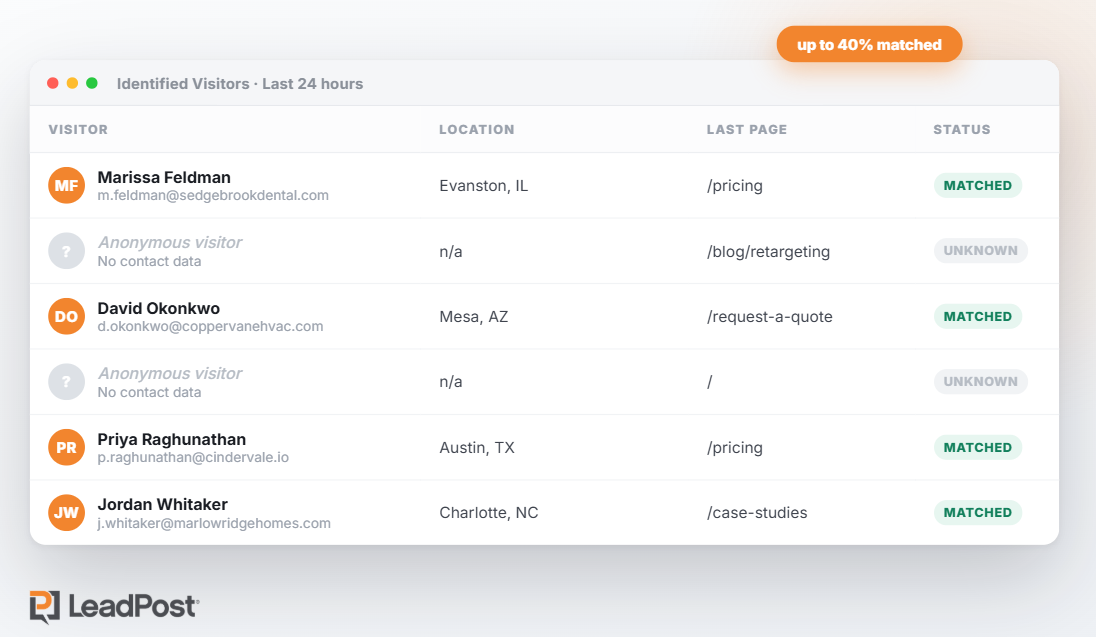
You pay to get people to your site. Most of them look around, don't fill out anything, and vanish. Your analytics can tell you a session happened. It can't tell you who it was, and it definitely can't email them.
LeadPost closes that gap. Add one line of code and it identifies up to 40% of your anonymous traffic with verified names, emails, and mailing addresses, with no form required, then syncs them into HubSpot, Salesforce, Klaviyo, or wherever you already work.
Growth Pulse readers can turn it on free for 14 days. No credit card, no sales call. Install the tag and see who's been showing up all along.
*14-day free trial, up to 200 leads. No credit card required. U.S. website visitors only. Works best on sites with at least 1,000 unique monthly visitors.
💡 AI Works Best When It Fills The Gaps In Your Team
AI can improve the quality of team output.
But the biggest gains appear when people bring different skills and use AI to cover what the group is missing.
Here’s what the research found.
1️⃣ Working Alone Produces The Weakest Results: In the study, people produced the lowest-quality solutions when they worked by themselves.
Performance improved when they worked with either another person, AI, or both.
2️⃣ AI Can Outperform A Second Colleague: Working with a colleague improved performance by 6.3% compared with working alone.
Working with AI improved performance by 9.6%.
3️⃣ Human Plus Human Plus AI Performs Best: Teams using both a colleague and AI improved performance by 10.2% and were roughly three times more likely to be rated as top performers.
4️⃣ Skill Diversity Matters: The advantage disappeared when team members had very similar expertise.
A stronger setup pairs complementary roles, such as a designer with a researcher, while using AI to fill gaps neither person covers well.
5️⃣ Use AI As A Complement, Not A Replacement: The best results come when AI handles missing capabilities, such as analysis, ideation, or technical support.
Teams should still review outputs carefully and avoid treating AI as infallible.
Why It Works
Different people bring different perspectives, and AI can add another layer of capability.
When those strengths complement each other, the team has more ways to solve the same problem.
The Takeaway
Don’t just add AI to a team.
Design the team so humans bring different strengths, then use AI to cover the gaps that remain.
💡 Turn Your iPhone Action Button Into A Morning Briefing
Your morning briefing doesn’t need another app to open.
With Grok Bot and the iPhone Action Button, you can trigger a personalized summary of your day in seconds.
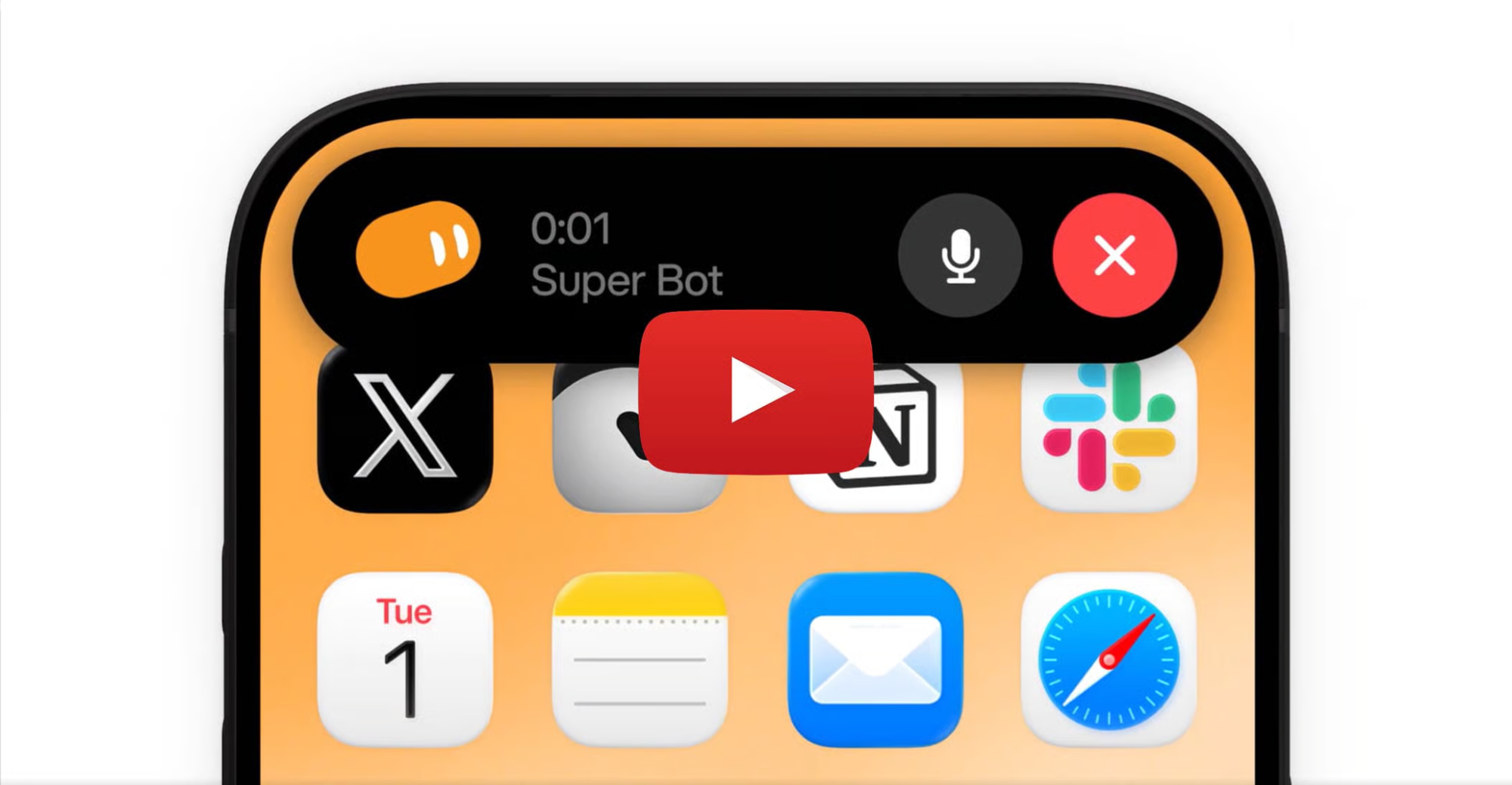
Here’s how to set it up.
1️⃣ Prepare Grok Bot First: Open Grok Bot on your iPhone, update it to the required version, and start one voice chat so microphone permissions are already enabled.
2️⃣ Create A Dedicated Morning Brief Bot: Build a Bot specifically for daily planning.
Give it clear instructions on what should appear in the briefing and how concise the response should be.
3️⃣ Connect The Apps That Matter: Link the work tools it needs to read, such as your email, calendar, Slack, or other supported plugins.
This lets the Bot combine meetings, messages, follow-ups, and priorities in one place.
4️⃣ Define The Briefing Format: Ask it to return your top three priorities, meetings to prepare for, overdue items, blockers, and one recommended first action.
Keep the output short enough to hear in under two minutes.
5️⃣ Map It To The Action Button: Open iPhone Settings > Action Button > Shortcut and choose the Grok Bot voice action.
Each morning, press and hold the Action Button and say something like, “Give me my morning brief.”
Why It Works
The setup removes friction from daily planning.
Instead of checking multiple apps manually, one trigger gives you a focused view of what deserves attention first.
The Takeaway
Don’t start the day by hunting for priorities.
Make one button surface them for you.
As we prepare more "Growthful" content, we'd love to hear your thoughts on today's edition! Feel free to share this with someone who would appreciate it. 🥰