Turn Webinars Into Revenue
🔍 As webinars become a revenue channel, automation helps streamline the work required to support them.

Hey there 🧠
Ready for another day of staying ahead of the competition in the Growth race?
Oh and before we go ahead! If your friend sent this to you, be sure to subscribe here! So you don’t miss out on any editions.
Partnership with AirOps
AI search doesn't wait for teams still figuring out prompts.

The shift from traditional search to AI search happened fast. What didn't follow was execution. Most teams are still figuring out the workflow while their AI search visibility slips.
On June 11, SEO leaders from Chime, Bitly, and Udemy are showing exactly how they use Quill to move past one-off prompts into agentic Playbooks that execute and scale without manual intervention.
You'll walk away with:
- What to say to leadership to get AI initiatives approved fast
- What's working in AI search right now, straight from teams doing it at scale
- Where to start with agentic Playbooks and what to prioritize first
Tyler Roehmholdt (Director of SEO Strategy, Bitly), Nicholas King (Sr. SEO and Digital Experience Manager, Udemy), and Bridget Nelson (AI Search Strategist, Chime) are walking through what they've built and what's moving the needle right now.
One session. A system you can start building the same week.
Can't make it live? Register anyway and get the recording in your inbox within 24 hours.
💡 Why Most Webinars Fail To Drive Revenue
Webinars look successful on the surface. Registrations are high, attendance is decent, and engagement feels strong. But when it comes to actual revenue, most fall short. The issue is not the format; it is how webinars are structured and measured.
Here’s what makes webinars actually convert.
1️⃣ Start With A Sharp Title: A small change in wording can double attendance. Your title should clearly signal who it is for and what problem it solves.
2️⃣ Systemize The Setup: Templates for landing pages, emails, and workflows reduce effort and improve consistency. Build once, then refine based on performance.
3️⃣ Attract The Right Audience: Promotion should filter for intent, not just drive volume. Messaging should reflect your ideal customer’s language and needs.
4️⃣ Teach Instead Of Pitching: During the webinar, focus on delivering value. Engagement signals like polls and Q&A reveal stronger intent than form fills.
5️⃣ Follow Up With Segmentation: Only about 5% are ready to buy immediately. For the rest, send value driven content instead of pushing sales too early.
6️⃣ Measure What Actually Matters: Registrations and attendance are vanity metrics. Focus on MQL conversion, pipeline impact, and closed deals tied to engagement.
7️⃣ Turn Webinars Into Revenue Systems: When tracked properly, webinars shift from being a cost center to a predictable pipeline driver.
The Takeaway
Webinars do not fail because they do not work. They fail because they are measured wrong and executed without structure. Fix the system, and they become a scalable revenue channel.
💡 How To Automate Everyday Work With Claude
Most productivity tools still require you to do the work manually. You open files, organize folders, clean up data, and piece things together yourself. But with Claude Cowork, you can delegate these non-technical tasks directly to AI inside your own system.
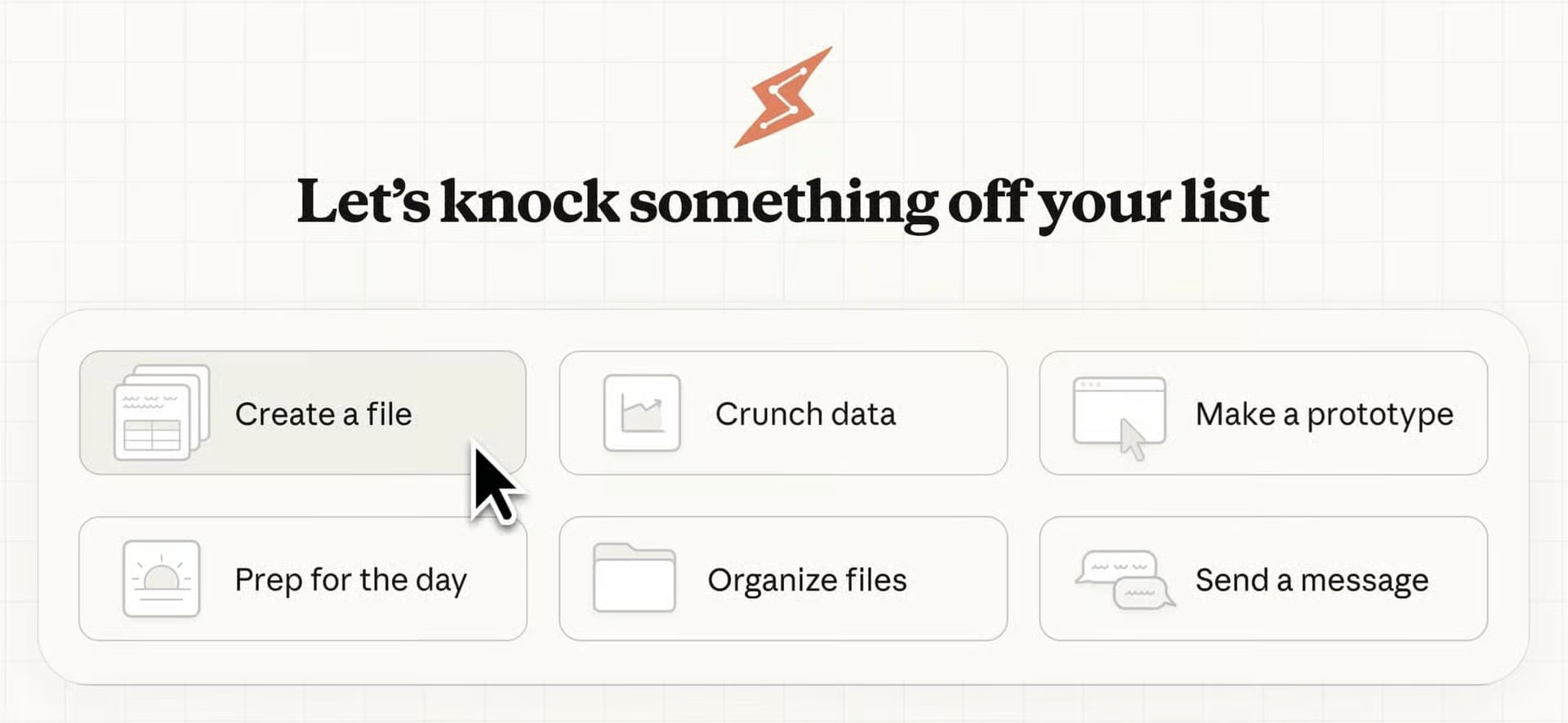
Here’s how to use it.
1️⃣ Open Claude Cowork: Launch it on your laptop and start a new session to begin working with your files.
2️⃣ Select A Folder: Choose any folder like Downloads, Notes, or project files. Claude can now access and understand the contents.
3️⃣ Give Clear Instructions: Tell Claude exactly what you want done, whether it is organizing files, summarizing notes, or creating structured outputs.
4️⃣ Let It Work Inside Your Files: Claude can edit, create, and organize content directly within your selected folder without needing manual steps.
5️⃣ Automate Repetitive Tasks: Use it to clean up messy folders, convert screenshots into spreadsheets, or turn scattered notes into reports.
6️⃣ Improve Workflow Efficiency: Instead of switching between tools, everything happens in one place with minimal effort.
7️⃣ Stay In Control: Review outputs and refine instructions to ensure accuracy and avoid unintended changes.
The Takeaway
AI is moving from assisting to doing. With tools like Claude Cowork, you can automate everyday workflows directly within your files, saving time and reducing manual effort. The real advantage comes from how clearly you define the task.
As we prepare more "Growthful" content, we'd love to hear your thoughts on today's edition! Feel free to share this with someone who would appreciate it. 🥰