Turn Replies Into Growth
⚡ Turn every reply into more engagement, then build powerful automations using simple prompts.

Hey there 🧠
Ready for another day of staying ahead of the competition in the Growth race?
Oh and before we go ahead! If your friend sent this to you, be sure to subscribe here! So you don’t miss out on any editions.
In Partnership with Omnisend
Everyone’s talking about AI. Here’s how three email marketing experts are actually using it.
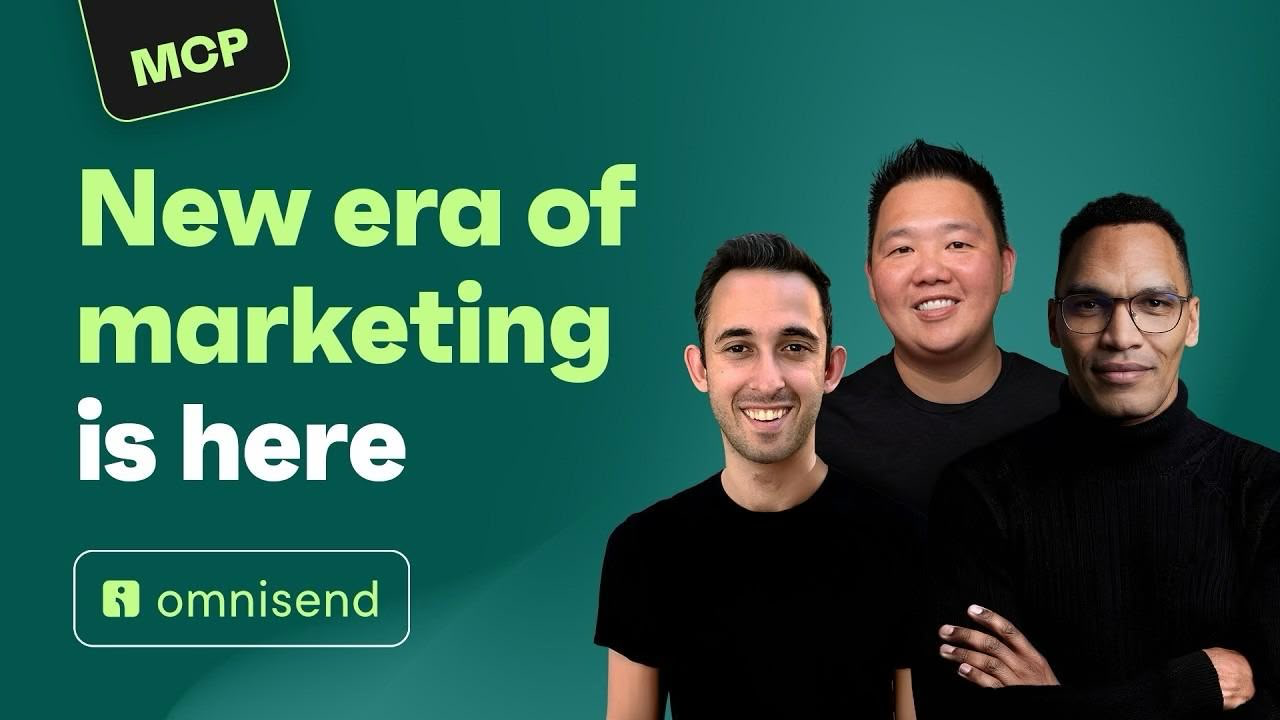
You can read a hundred takes on AI and still have no idea what anyone actually types into it. So, we asked three experts to show us.
Jimmy Kim, founder of eCom Email Marketer, Chase Dimond, co-founder of eCom Email Marketer, and Bernard Meyer, AI Operations Manager at Omnisend, walk through how they use AI in their day-to-day work.
From pulling reports and analyzing campaign performance to spotting missed opportunities, they share the prompts and workflows that actually work. They also explain where AI still falls short and where human experience and judgment still matter most.
The session was recorded in ChatGPT, but Omnisend works with Claude too, so the same workflows carry over.
New to Omnisend? It’s an email and SMS marketing platform used by more than 150,000 ecommerce brands, generating an average of $79 for every $1 spent.
Migration is free, takes up to five business days, and plans cost up to 35% less than Klaviyo’s.
Watch the full 56-minute session, no signup required.
💡 How AI Replies Increase Engagement
Replying to every comment can become impossible as your audience grows.
But research shows you don't have to do it all yourself.
Used correctly, AI can help you respond faster while increasing future engagement.
Here's how to use it.
1️⃣ Reply Quickly With AI Use AI to draft replies to comments and DMs. The biggest impact comes when responses are relevant and sent within the first 45 minutes.
2️⃣ Match Your Voice Train your AI on your writing style so replies feel natural and consistent with your brand instead of sounding robotic.
3️⃣ Be Transparent Always make it clear that the response is from an AI assistant acting on your behalf. Transparency builds trust and avoids misleading your audience.
4️⃣ Use AI Where It Matters Most Research found that followers who received AI replies commented 41% more on future posts and shared content 43% more than those who received no response.
5️⃣ Know When Humans Should Reply AI works well for common questions and routine conversations. Personal, emotional, or sensitive messages should still receive a human response.
Why It Works
People value being acknowledged. A fast, relevant reply makes followers feel noticed, encouraging them to interact more often. The sense of recognition matters more than whether the response comes from a person or a clearly disclosed AI assistant.
👀 Real-Life Example (Instagram Creators & Brands)
Many creators and brands receive dozens of comments but leave most unanswered. Training an AI assistant to generate replies in the creator's tone while clearly identifying itself as AI can increase engagement without sacrificing authenticity.

The Takeaway
AI shouldn't replace your community management. It should help you scale it. When used transparently and thoughtfully, AI replies strengthen relationships, encourage repeat engagement, and help your audience feel heard.
💡 Build Automations With Claude Code
Building automations usually means learning new tools, connecting apps, and troubleshooting workflows.
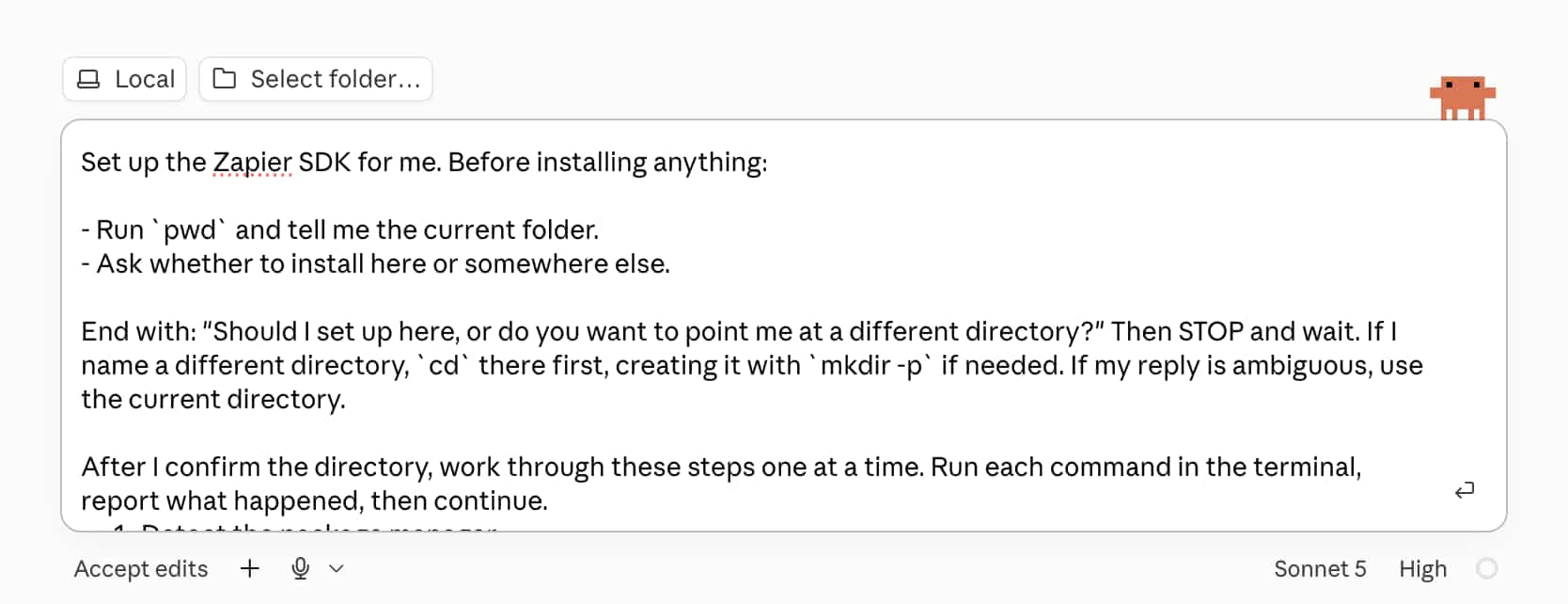
With Claude Code and Zapier, you can describe what you want in plain English and let AI build the automation for you.
Here's how to do it.
1️⃣ Set Up Zapier SDK Open the Zapier SDK page, copy the setup prompt, and paste it into Claude Code.
Use this prompt:
"Set up the Zapier SDK for me [paste Zapier SDK prompt]."
2️⃣ Connect Your Apps Sign in to Zapier and connect the apps you want to automate, such as Gmail, Slack, Notion, Google Calendar, or other supported tools.
3️⃣ Describe Your Workflow Tell Claude exactly what you want your automation to do.
Use this prompt:
"Build an automation that [describe your workflow]. Use my connected apps through Zapier."
4️⃣ Test Everything Ask Claude to run the automation once and verify that every step works correctly before putting it into production.
5️⃣ Deploy And Schedule Once you're satisfied with the results, ask Claude to deploy the automation and schedule it to run automatically, such as every morning or at another recurring time.
Why It Works
Instead of manually configuring triggers, actions, and integrations, you simply explain the workflow in natural language. Claude handles the technical setup while Zapier connects your apps behind the scenes.
The Takeaway
Automating repetitive work no longer requires coding or complex workflow builders. With Claude Code and Zapier, you can build, test, and deploy powerful automations by simply describing what you want.
As we prepare more "Growthful" content, we'd love to hear your thoughts on today's edition! Feel free to share this with someone who would appreciate it. 🥰