This Small Fix Saves Users
🔥 Instead of fixing churn later, reduce effort early so users naturally continue without feeling forced to stay.
Hey there 🧠
Ready for another day of staying ahead of the competition in the Growth race?
Oh and before we go ahead! If your friend sent this to you, be sure to subscribe here! So you don’t miss out on any editions.
Partnership with AirOps
Stop satisfying the algorithm. Start getting retrieved.
AI answers don't reward rankings. They pull from content that signals trust, structure, and relevance at the passage level. If your brand isn't being retrieved and cited, you're invisible where decisions are already being made.
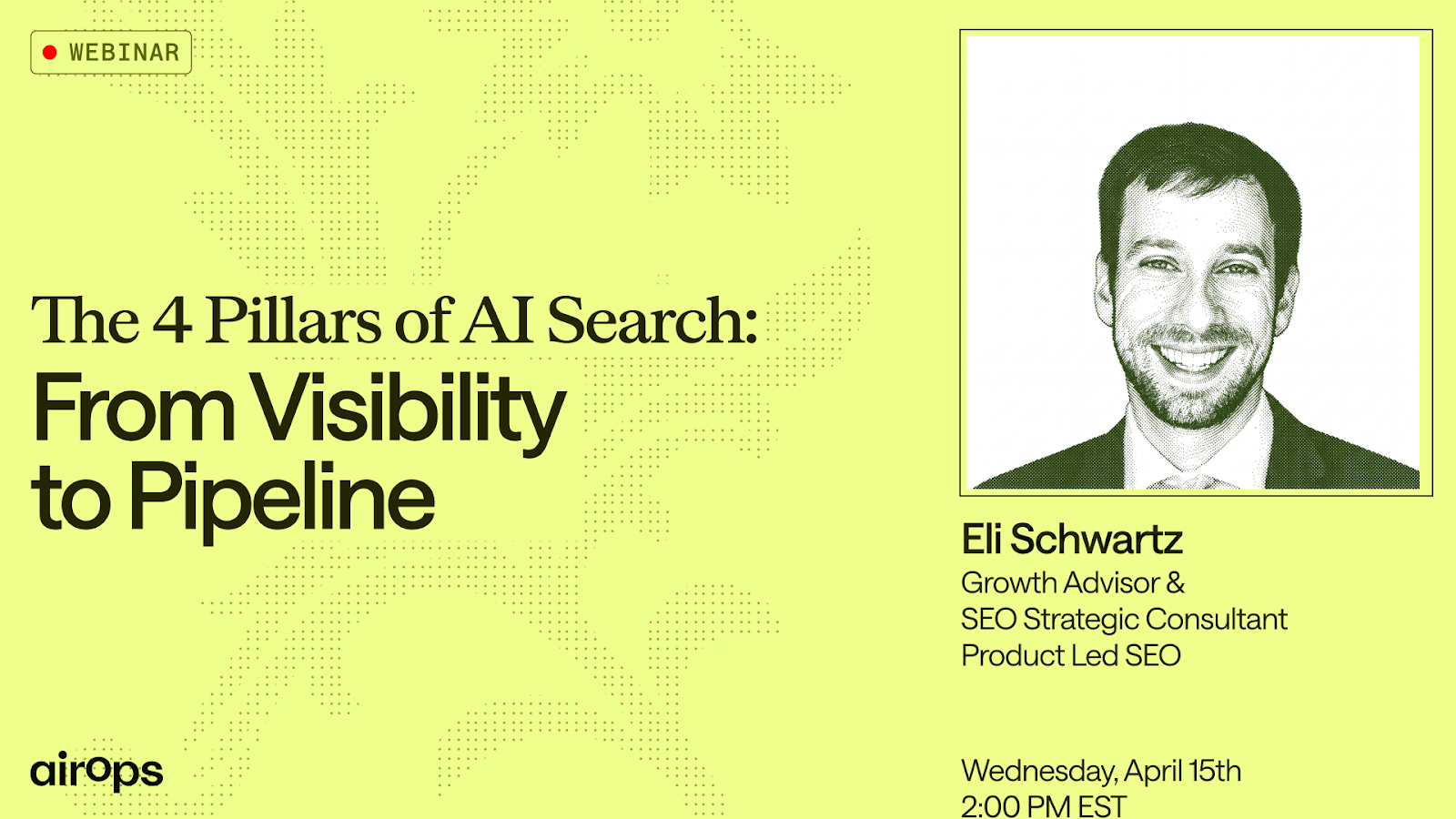
Join AirOps on April 15th at 2 PM EST for a live session with Eli Schwartz, Growth Advisor and Author of Product-Led SEO.
Eli has created billions in organic search revenue, consulting with companies like Coinbase, Tinder, LinkedIn, Gusto, Quora, Zendesk, and more.
He’ll break down the exact framework he's shared with board rooms and VCs for how AI search is functioning now in 2026. You'll walk away knowing:
- The 4 pillars that determine whether AI retrieves your content
- How to identify the highest-leverage SEO stages to fix first
- Why deep customer research is still the most underused edge in AI visibility
One live session. A framework you can action the same week.
Can't make it live? Register anyway and get the recording within 24 hours.
💡 Retention Tricks You Probably Missed
Getting users is easy, keeping them is where most products quietly fail. The harder you try to hold users with rigid systems, the faster they leave. The best retention strategies do not force users to stay, they remove friction and give them subtle reasons to come back. That shift from control to flexibility is where real retention happens.
Here’s what actually works.
1️⃣ Offer A Softer Exit Instead Of Cancellation: When users try to leave, do not force a yes or no decision. Lovable introduced a $5 per month Lite Plan inside the cancellation flow and converted around 10% of users who would have otherwise churned.
2️⃣ Fix Payment Failures Inside The Product: Relying only on emails misses users who are still active. Lovable added in-app payment failure alerts and improved recovery rates from around 20% to over 30%, simply by showing the message where users already are.
3️⃣ Use Free Credits As A Return Trigger: Giving users free daily credits creates a built-in reason to come back. Lovable offers 5 free credits daily, making users return and often spend more out of impatience.
4️⃣ Let Users Accumulate Value: Instead of expiring unused credits, allow them to roll over. Lovable found that accumulated credits reduce churn because users feel they have something worth returning for.
5️⃣ Add Flexible Payment Options: Top ups give users control without forcing full commitment. Lovable improved retention by 7% across one million users by simply making payments more flexible.
The Takeaway
Retention is not about locking users in, it is about removing the reasons they leave. Small changes like flexibility, visibility, and perceived value can create strong reasons to stay. The products that win are not stricter, they are easier to keep using.
💡 How To Turn Any Image Into An Editable Design
Editing a static design usually means rebuilding it from scratch. Fixing text, changing layouts, or swapping visuals can take hours if you do not have the original file. But with tools like Canva Magic Layers, you can break down any flat image into fully editable elements in seconds. The entire design becomes flexible again without starting over.
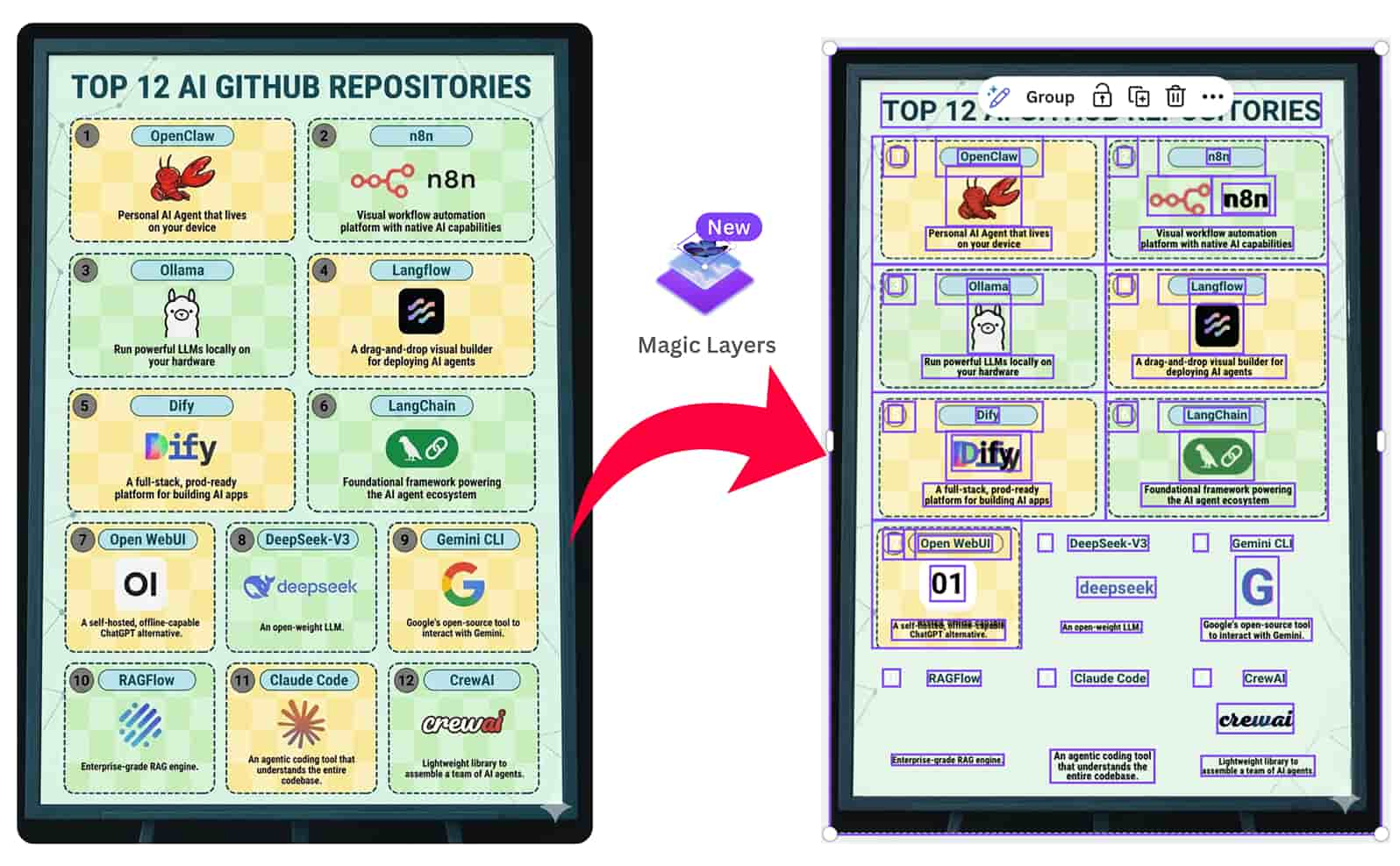
Here’s how to do it step by step.
1️⃣ Upload Your Image Into Canva: Open Canva, go to Magic Layers, click Select Media, and upload your image. This is where the transformation starts.
2️⃣ Let Canva Detect The Layout: Wait around 30 to 60 seconds while Canva scans the image. It automatically separates text, objects, background, and layout into editable layers.
3️⃣ Edit Text Instantly: Click on any text layer to update it directly. You can fix typos, change dates, or rewrite taglines without recreating the design.
4️⃣ Control Individual Elements: Select object layers to move, resize, duplicate, or remove elements. This gives you full control over the structure.
5️⃣ Replace Visuals Seamlessly: Drag and drop a new image like a product shot or logo. Canva automatically fits it into the existing layout.
6️⃣ Match Your Brand Style: Use the color picker to adjust colors and align the design with your brand. Small tweaks can completely refresh the look.
The Takeaway
You no longer need original files to edit designs. With AI powered layering, any image can become fully editable. This saves time, reduces effort, and lets you iterate faster without rebuilding from scratch.
As we prepare more "Growthful" content, we'd love to hear your thoughts on today's edition! Feel free to share this with someone who would appreciate it. 🥰