The Truth About ChatGPT Ads
🚀 Learn what every advertiser should know before running ChatGPT Ads, then build a project management system that thinks alongside your team.

Hey there 🧠
Ready for another day of staying ahead of the competition in the Growth race?
Oh and before we go ahead! If your friend sent this to you, be sure to subscribe here! So you don’t miss out on any editions.
In Partnership with Insense
DTC marketers: Your FREE Sept→Jan creator playbook for BFCM + Q5
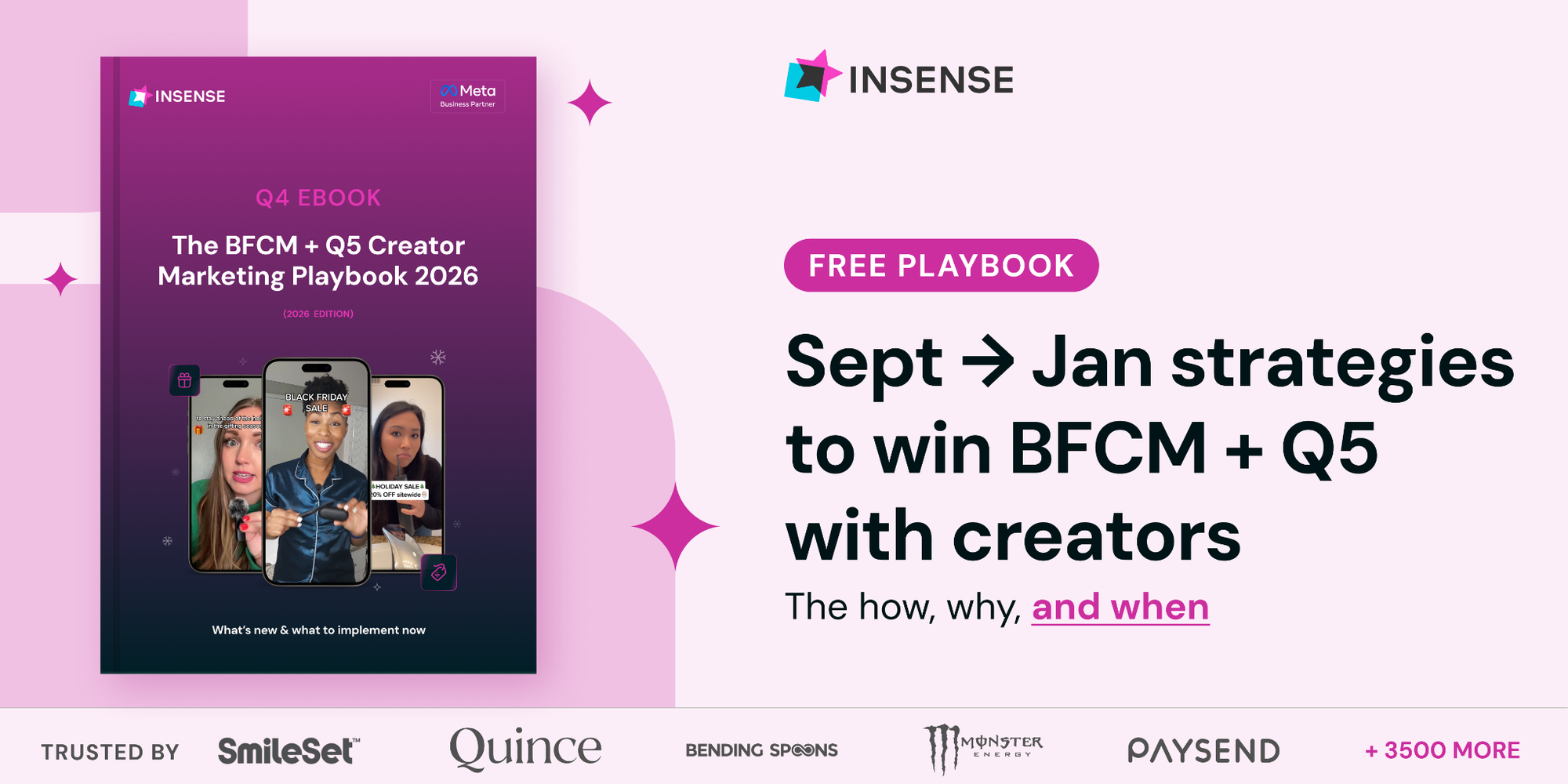
By October, CPMs can already be 20–60% higher. Waiting until November leaves your team buying expensive attention while still chasing creators, approvals, and usable content.
Insense’s free BFCM + Q5 Creator Marketing Playbook gives DTC marketers a week-by-week plan from September through January, so every creator campaign starts with a clear deadline and purpose.
Inside, you’ll learn how to:
- Adapt to four shifts that have changed how Q4 is won this year
- How to source the right creators within 48 hours
- Time organic and paid social campaigns across BFCM and the overlooked mid-December-to-January Q5 window.
Get the free playbook and turn the busiest selling season into a campaign your team can execute without last-minute scrambling.
Insense is the creator engine for consumer brands scaling past $2M, looking to save 40+ hours on creator operations per month - especially in Q4.
Book a free strategy call by October 2nd and get $200 towards your first campaign.
💡 What You Should Know Before Running Your First ChatGPT Ad
ChatGPT Ads are now available in several markets.
But before launching your first campaign, it's important to understand how the platform works, how costs are calculated, and what determines campaign success.
Here's what you should know.
1️⃣ Know Your ReachChatGPT Ads are shown only to Free and Go plan users. Users on Plus, Pro, Business, Enterprise, and Edu plans don't see ads, and accounts identified as under 18 are excluded.
2️⃣ Calculate Your Maximum CPCDon't rely on the platform's suggested bid. Calculate the maximum cost per click your business can afford based on your conversion rate, contribution margin, and target customer acquisition cost.
3️⃣ Understand Budget FlexibilityDaily budgets are averaged over a seven-day period. Some days may spend significantly more than your daily limit, while staying within the weekly average.
4️⃣ Use Context Instead Of KeywordsChatGPT Ads don't target traditional keywords. Instead, ad groups use contextual descriptions to help determine when your product or service is relevant within conversations.
5️⃣ Measure Conversions CorrectlyInstall the ChatGPT Pixel or Conversions API, track completed purchases accurately, preserve click identifiers, and deduplicate browser and server events to ensure reliable attribution.
Why It Works
Successful ChatGPT campaigns depend less on bidding aggressively and more on understanding audience reach, attribution, economics, and measurement before spending your advertising budget.
The Takeaway
ChatGPT Ads are a new acquisition channel, not a guaranteed source of profitable customers. Calculate your unit economics first, implement proper conversion tracking, and treat the platform like any other performance marketing channel by testing carefully before scaling.
💡 How To Create An AI-Powered Project Intelligence Database With Notion AI
Managing projects is easier when information stays organized and automatically updated.
With Notion AI, you can build a centralized project database that summarizes work, identifies risks, and keeps important information current.
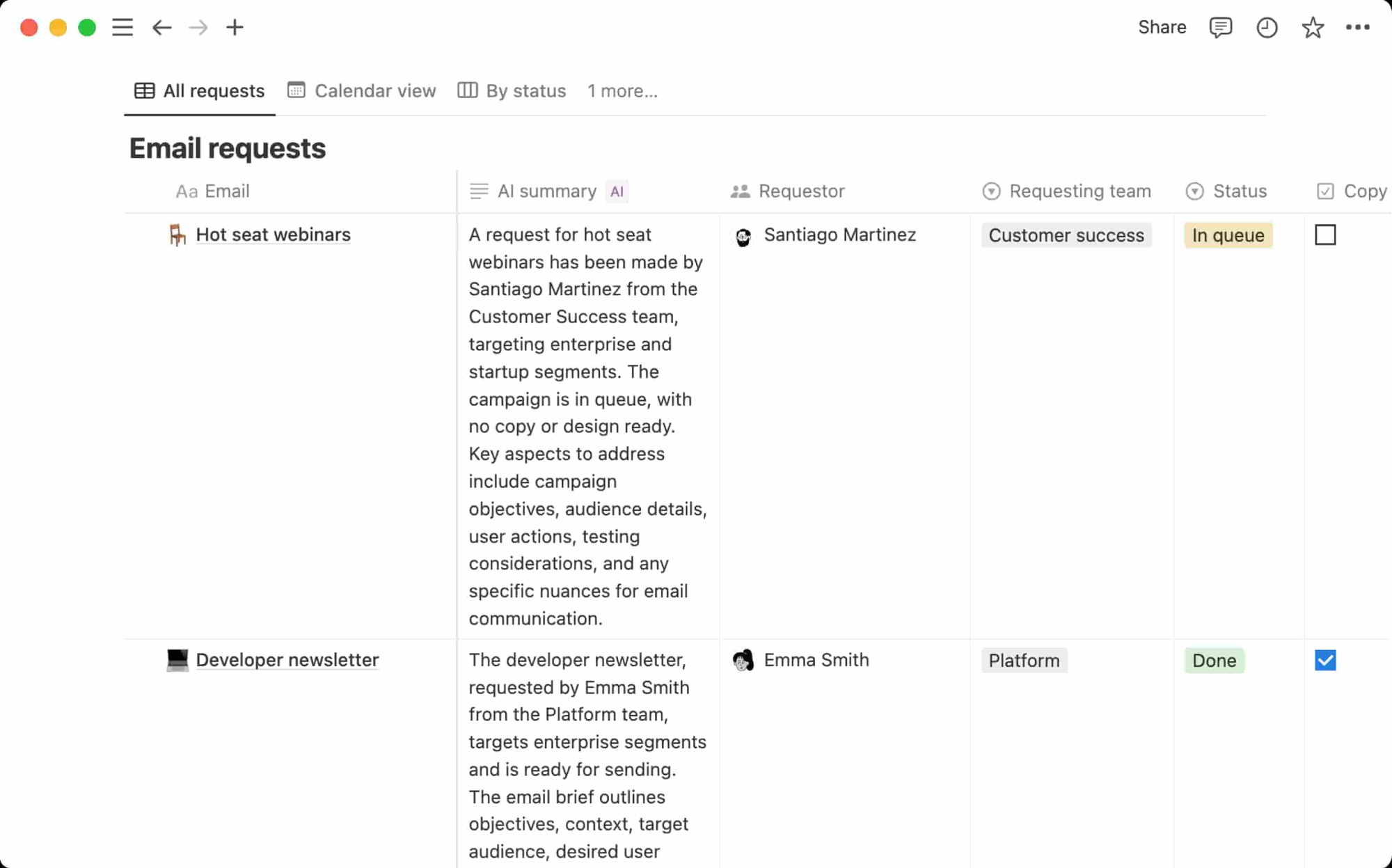
Here's how to set it up.
1️⃣ Create A New DatabaseOpen Notion, create a new page, select Table, then choose Build with AI.
2️⃣ Design Your Project TrackerAsk Notion AI to generate a project database with fields such as Project, Owner, Status, Due Date, Priority, Summary, Risks, and Keywords.
Sample Prompt
Create a project tracker for my team with Project, Owner, Status, Due Date, Priority, Summary, Risks, and Keywords. I want AI to help summarize each project and surface potential risks from the information stored in each project page.
3️⃣ Add Project InformationCreate a database entry for each project and store related briefs, meeting notes, decisions, documents, and updates inside the corresponding project page.
4️⃣ Automate AI FieldsUse AI Autofill to generate summaries, keywords, and structured information automatically. For custom fields like Risk or Priority, configure a Custom Agent with specific instructions.
5️⃣ Keep Everything UpdatedChoose whether AI properties update manually, whenever project pages change, or on a scheduled basis so your database always reflects the latest information.
Why It Works
Instead of manually maintaining project summaries and tracking risks, Notion AI continuously organizes information, highlights key updates, and surfaces insights that help teams make better decisions.
The Takeaway
A project database shouldn't just store information. With Notion AI, it becomes an intelligent workspace that keeps projects organized, summarizes progress, and identifies risks before they become problems.
As we prepare more "Growthful" content, we'd love to hear your thoughts on today's edition! Feel free to share this with someone who would appreciate it. 🥰