The No Robot Content Rule
🔥 Master AI-assisted writing and create visuals that command attention online.

Hey there 🧠
Ready for another day of staying ahead of the competition in the Growth race?
Oh and before we go ahead! If your friend sent this to you, be sure to subscribe here! So you don’t miss out on any editions.
Partnership with Syncly Social
You’re Not Seeing What’s Driving Your Category
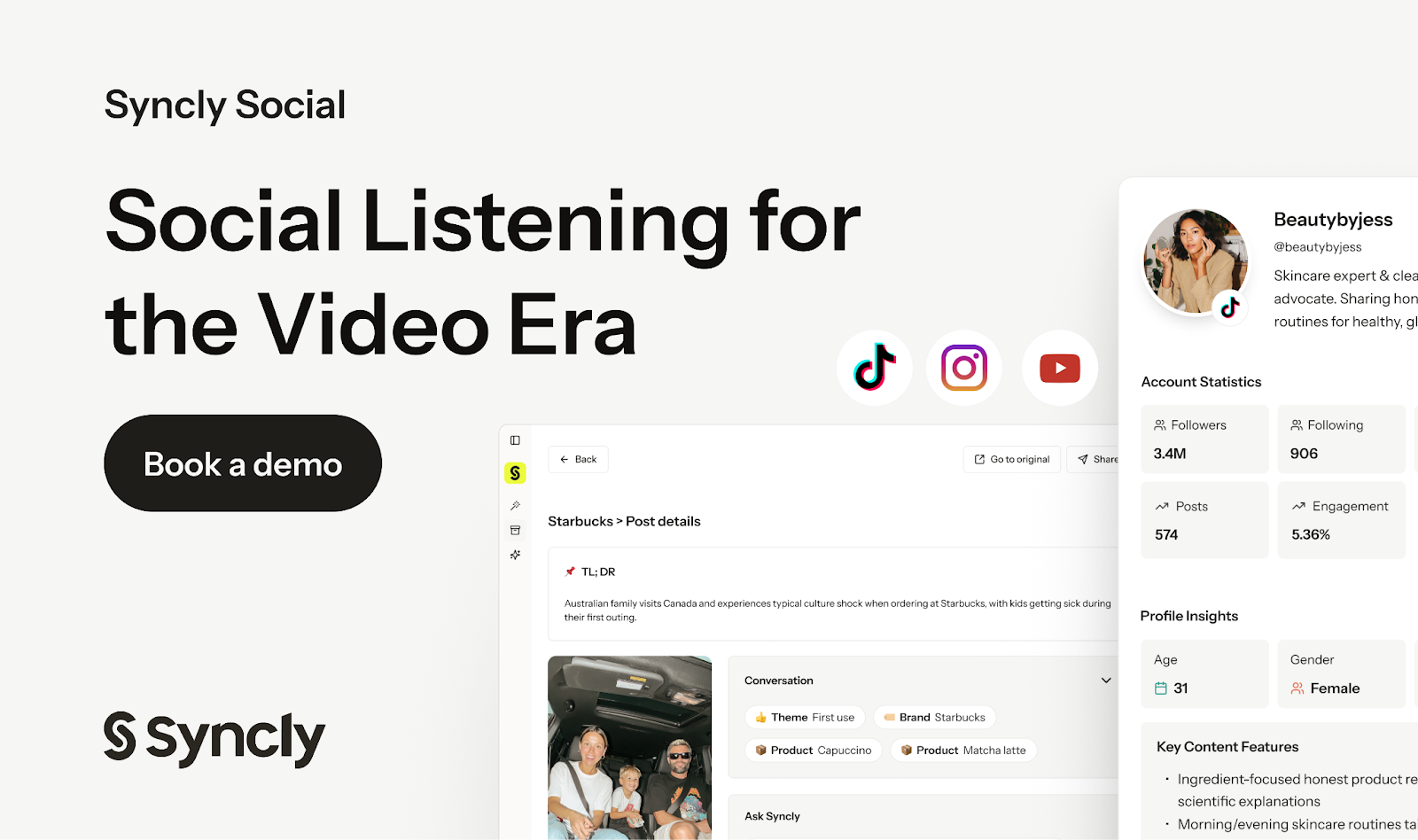
Most social listening tools rely on keywords. But brand momentum in 2026 lives inside videos. Spoken mentions, untagged creators, regional spikes, and product placements that never include your handle.
If you can’t see those signals, you’re reacting.
Syncly Social gives you visibility where others stay blind:
- Detect spoken brand mentions and untagged product placements across TikTok, Instagram, and YouTube
- Track which videos are accelerating competitor growth before the narrative hits your feed
- Break sentiment down by product aspect with demographic and geographic context
Adidas. Burberry. Kimberly-Clark. LG Electronics. Kosas. Calvin Klein.
They use Syncly because it turns weeks of messy signals into decision-ready insight in minutes.
If you’re still operating on text-only dashboards, you’re late to the conversation.
💡 How To Write With AI Without Sounding Like A Robot
AI can make you faster.
It just should not make you replaceable.
More marketers are using AI for content. That is not the problem. The problem is when everything starts sounding like the same polished, personality-free paragraph.
The fix is simple: use AI at the edges and protect the middle.
Here is the framework.
1️⃣ Use AI For Research, Not Voice:
Start by importing sources into an AI research tool and generate a structured briefing document. When you deeply understand the material, your writing becomes sharper and faster. AI should accelerate clarity, not replace thinking.
2️⃣ Generate A Smart Outline First:
Let AI create a content brief with audience insights, keyword targets, and suggested structure. Then convert section headers into interview-style questions. Writing in Q&A mode often produces more direct, human answers.
3️⃣ Write The Draft Yourself:
This is the protected zone. No AI in the middle. Dictate your ideas if needed. Speaking often produces more natural rhythm than typing. Your voice, your phrasing, your instincts. That is the differentiator.
4️⃣ Fact-Check With AI:
Once finished, feed your draft back into an AI tool to verify claims against original sources. You can also check alignment with brand guidelines or client documentation.
5️⃣ Ask For Scoped Edits Only:
Avoid vague prompts like “improve this.” Instead ask for specific improvements you can implement immediately. Tight prompts create useful feedback. Broad prompts create chaos.
6️⃣ Format For Humans And Bots:
Structure your piece with bold callouts, lists, and clean sections. Scannability improves reader engagement and search performance at the same time.
The Takeaway
AI should function like scaffolding. It supports structure, speed, and polish. But the voice, insight, and conviction must remain yours.
You are the writer. AI is the assistant.
💡 How To Create A Professional Infographic For Social Media
Great ideas deserve great visuals.
With AI, you no longer need advanced design skills to create stunning infographics.
Here’s how to turn your content into a polished, shareable visual using Gemini.
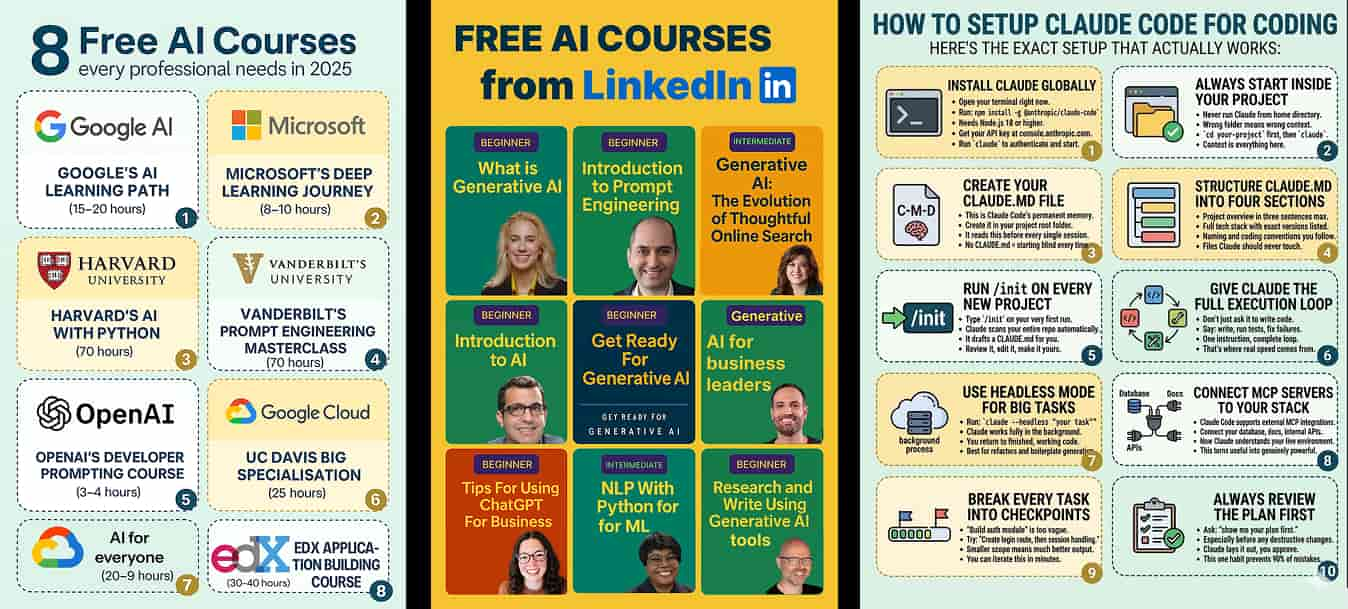
1️⃣ Access Gemini And Set Up Your Workspace:
Go to Gemini and sign up. Select Create Image and ensure the Thinking model is enabled for more accurate and refined outputs.
2️⃣ Upload A Reference Image:
Provide a sample infographic to guide the layout and visual style. This helps Gemini understand the structure, spacing, typography, and design hierarchy you want to replicate without copying.
3️⃣ Enter A Detailed Prompt:
Use a structured prompt to instruct Gemini to act as a world-class infographic designer. Specify the topic, target audience, preferred theme, and color palette to ensure a tailored result.
4️⃣ Define The Design Specifications:
Request a professional A4 portrait infographic (2480×3508px, 300 DPI) with clear sections, bold headlines, concise bullet points, and consistent icons. Emphasize readability, balanced whitespace, and a modern SaaS-style aesthetic.
5️⃣ Generate And Refine The Visual:
Within seconds, Gemini will produce a polished infographic. Review the output and refine elements such as text clarity, spacing, and visual hierarchy if needed.
6️⃣ Download And Share Across Platforms:
Export the final design and publish it on LinkedIn, Instagram, or other social platforms. The layout will be optimized for engagement and easy consumption.
The Takeaway
You no longer need complex tools to create professional visuals. With Gemini, you can transform ideas into high-quality, scroll-stopping infographics in minutes—perfect for boosting engagement and elevating your brand presence.
As we prepare more "Growthful" content, we'd love to hear your thoughts on today's edition! Feel free to share this with someone who would appreciate it. 🥰