The Missing Sales Window
💡 Understand where B2B deals are really won, then use Claude to catch spreadsheet errors before they distort the numbers.

Hey there 🧠
Ready for another day of staying ahead of the competition in the Growth race?
Oh and before we go ahead! If your friend sent this to you, be sure to subscribe here! So you don’t miss out on any editions.
In Partnership with AirOps
Are You Judging AI Search by the Wrong Numbers?
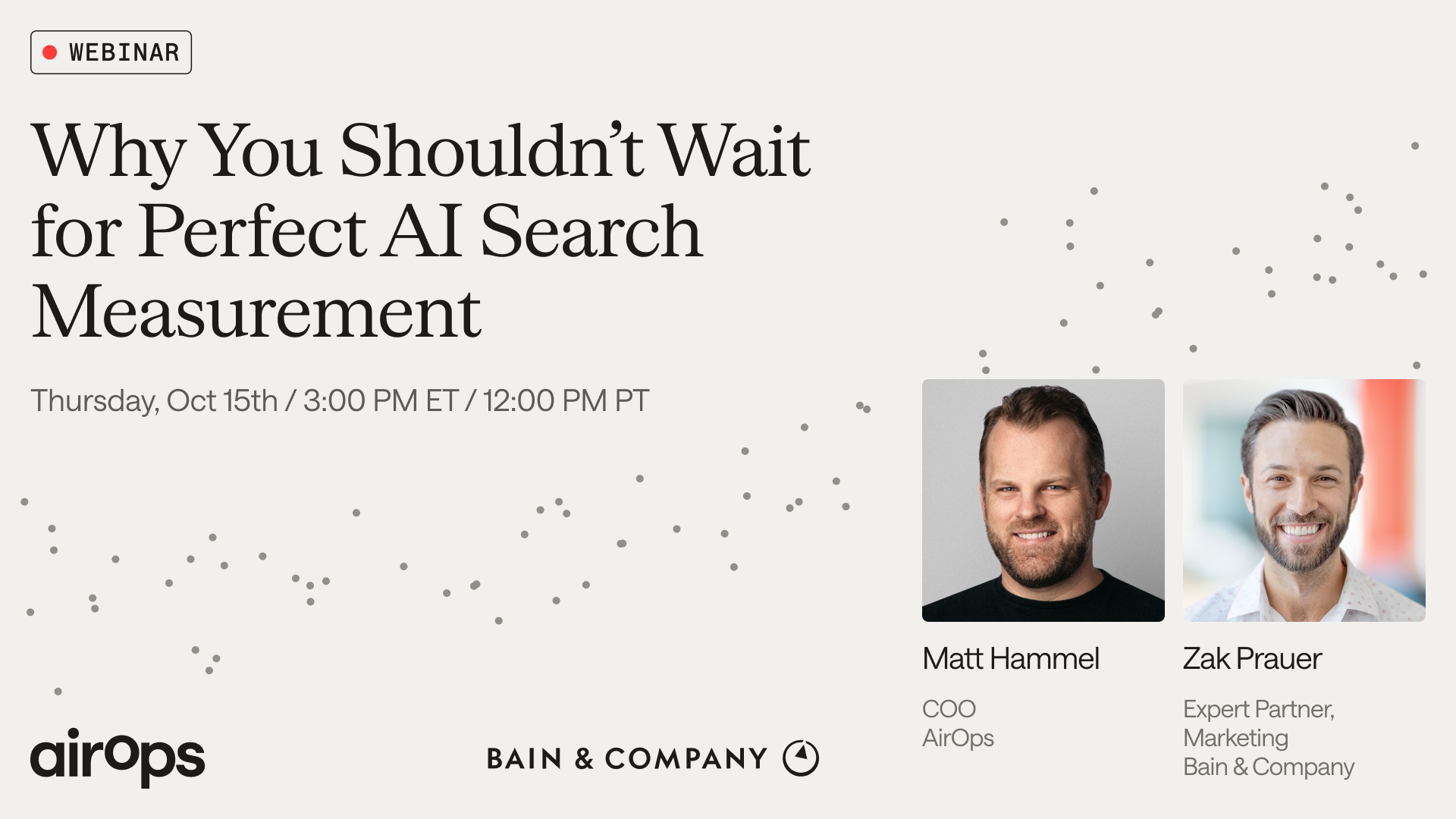
You wouldn’t judge a brand campaign only by last-click sales. Yet AI search is being asked to prove itself against paid-channel attribution standards. You risk cutting the budget that helped win a customer because another channel got credit for the sale.
On October 15, join Matt Hammel, COO of AirOps, and Zak Prauer, Expert Partner at Bain & Company, to rethink how you evaluate AI search:
- Use findings from Bain’s Marketing Leaders Reality Index to understand why paid-channel measurement sets the wrong expectations.
- Look beyond citations to whether AI recommends your brand when buyers are weighing their options.
- Discover what AI search conversations reveal about customer needs that survey responses can miss.
You’ll leave with a clearer view of what your reporting overlooks, so the next investment decision accounts for how buyers actually choose.
Can't attend the session live? Register anyway, and you’ll get the recordings in 24 hours.
💡 B2B Buyers Start Deciding Months Before They Contact Sales
By the time a buyer books a demo, the shortlist may already be taking shape.
Research covering more than 850 B2B companies and 50,000 closed deals suggests that buying decisions begin much earlier than most sales teams realize.
Here’s what the data shows.
1️⃣ Your CRM Sees The Buyer Late: Buyers begin researching roughly 124 days before speaking to a seller.
That means forms, lead scoring, and CRM activity often appear only after preferences have already started forming.
2️⃣ More Stakeholders Improve Win Rates: B2B purchases involve entire buying committees, not just one decision-maker.
Reaching six or more stakeholders before an opportunity enters the CRM was linked to a 17-point increase in win rate. Engaging three or more additional stakeholders after the deal became active added another 16 points.
3️⃣ Role Mix Matters More Than Seniority: Reaching multiple people from the same function isn’t enough.
Engaging end users, influencers, and technical evaluators together was associated with a 22-point lift in win rate. Targeting should reflect buying roles, not just seniority.
4️⃣ Paid And Organic Work Better Together: Companies combining LinkedIn Ads with organic activity saw 2.4x higher win rates than paid-only campaigns.
That fits how buyers behave: they may see an ad, check a company page, read executive content, and later return through retargeting.
5️⃣ Early Influence Matters: The biggest opportunity is shaping preference before a prospect becomes a visible lead.
If buyers spend months researching quietly, marketing needs to reach the wider buying group long before sales gets involved.
Why It Works
B2B buying is collaborative and happens over time.
Brands that build visibility early and across multiple stakeholders have more opportunities to influence the final decision.
The Takeaway
Don’t wait for the demo request.
Start building preference before the buyer enters your CRM, and reach the full buying committee instead of focusing only on senior decision-makers.
💡 Use Claude To Catch Spreadsheet Errors Before They Spread
One broken formula can quietly distort an entire spreadsheet.
Claude for Google Workspace can help review formulas, spot inconsistencies, and identify totals that no longer reconcile.
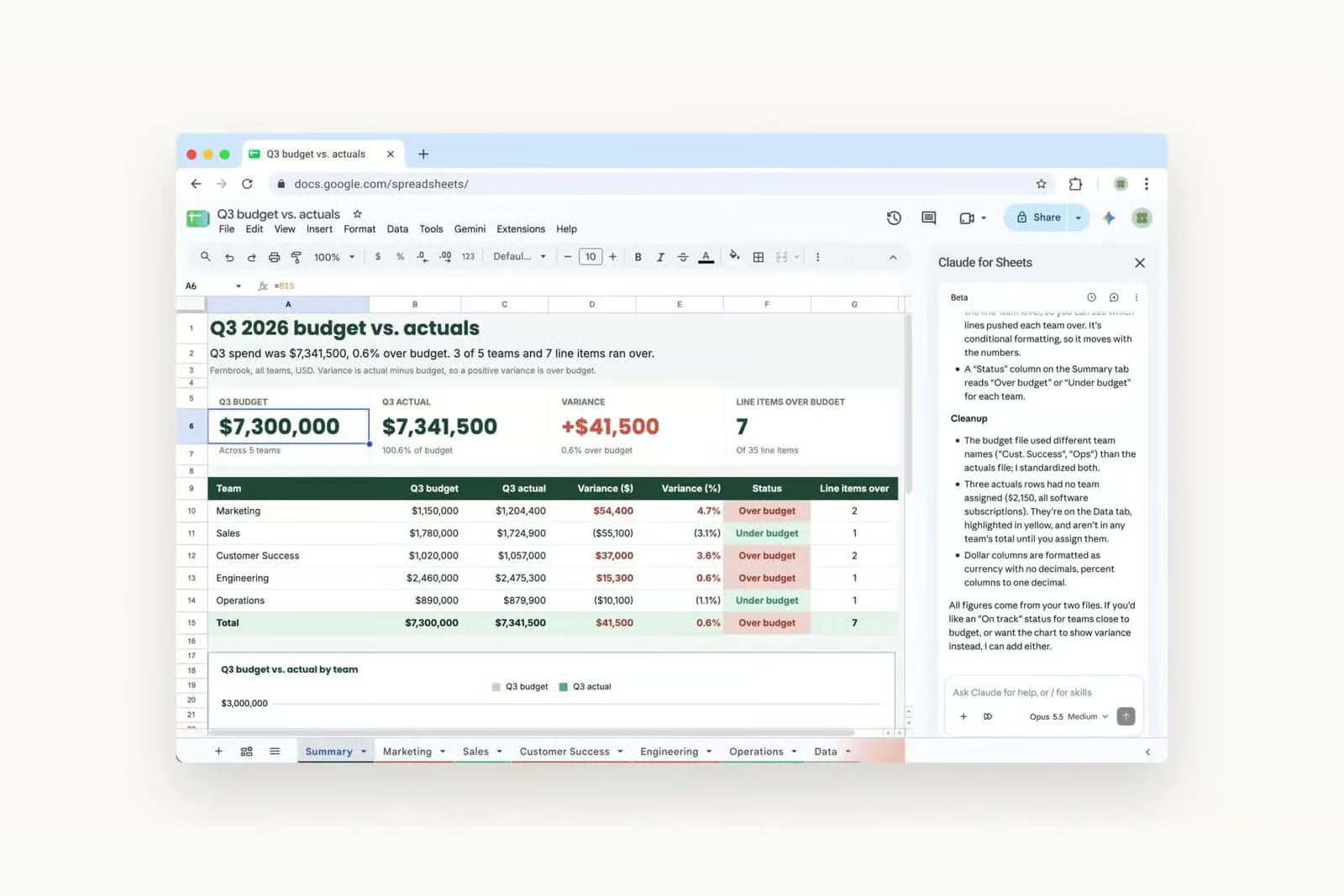
Here’s how to use it.
1️⃣ Give Claude The Spreadsheet Context: Open your Google Sheet and launch Claude for Google Workspace from the sidebar.
Explain what the spreadsheet is used for and which tabs, calculations, or totals matter most.
2️⃣ Ask For A Formula Audit: Tell Claude to check for broken references, missing formulas, hard-coded values, inconsistent ranges, copied formulas that look wrong, and totals that don’t reconcile.
The goal is to identify suspicious cells before making any changes.
3️⃣ Make The Findings Specific: Ask Claude to list each issue by sheet and cell, explain why it may be incorrect, and suggest the safest possible fix.
This makes the review easier to verify manually.
4️⃣ Separate Errors From Uncertainty: Not every unusual formula is wrong.
Ask Claude to distinguish between likely errors and cells that simply need human review so you don’t “fix” intentional logic.
5️⃣ Correct, Then Recheck: Approve only the confirmed fixes and ask Claude to update those cells.
Then run the audit again to confirm the corrected formulas and key totals now reconcile.
Why It Works
Spreadsheet errors often hide inside copied formulas, inconsistent ranges, and manual overrides.
A structured audit helps surface those problems faster while keeping human review in the loop.
The Takeaway
Don’t wait for a wrong total to reveal a spreadsheet problem.
Audit the formulas first, verify the suspicious cells, and fix only what you can confirm.
As we prepare more "Growthful" content, we'd love to hear your thoughts on today's edition! Feel free to share this with someone who would appreciate it. 🥰