The hidden speaking trick
🎤 Why speakers convince with their hands, then use Claude to clean messy work

Hey there 🧠
Ready for another day of staying ahead of the competition in the Growth race?
Oh and before we go ahead! If your friend sent this to you, be sure to subscribe here! So you don’t miss out on any editions.
Partnership with Outskill
Become The Person Who Ships Faster On Monday
If you’ve been telling yourself, “I’ll learn AI soon,” this is the moment.Because the same tasks will keep showing up, unless you build a system that handles them.
This 2-Day LIVE AI Mastermind (Jan 24–25) is a 16-hour build session for your career.In 16 hours, you’ll learn how to build AI agents, automate 70% of your workload, and use AI the way AI Generalists actually do.
- Turn one input into multiple assets fast: ads, emails, scripts, pages
- Build a daily AI system that saves 2 to 4 hours per day
- Learn how to monetize AI skills into a serious income upgrade
You also unlock $5000+ in bonuses and the AI Survival Hackbook 2026 instantly.And they’re running a New Year Sale and giving it away for FREE.
🧠 Live sessions Saturday and Sunday, 10 AM EST to 7 PM EST Free for 48 hours only.
Register for $0 and get your time back starting Monday!
💡 Why Hand Gestures Make Your Message More Persuasive
Insights from sciencesays
When people think about persuasive speaking, they focus on words. Structure. Slides. Scripts.
But the strongest lever is often invisible to the speaker.
Your hands.
Large-scale research shows that how you move while speaking changes how convincing, clear, and memorable your message feels.
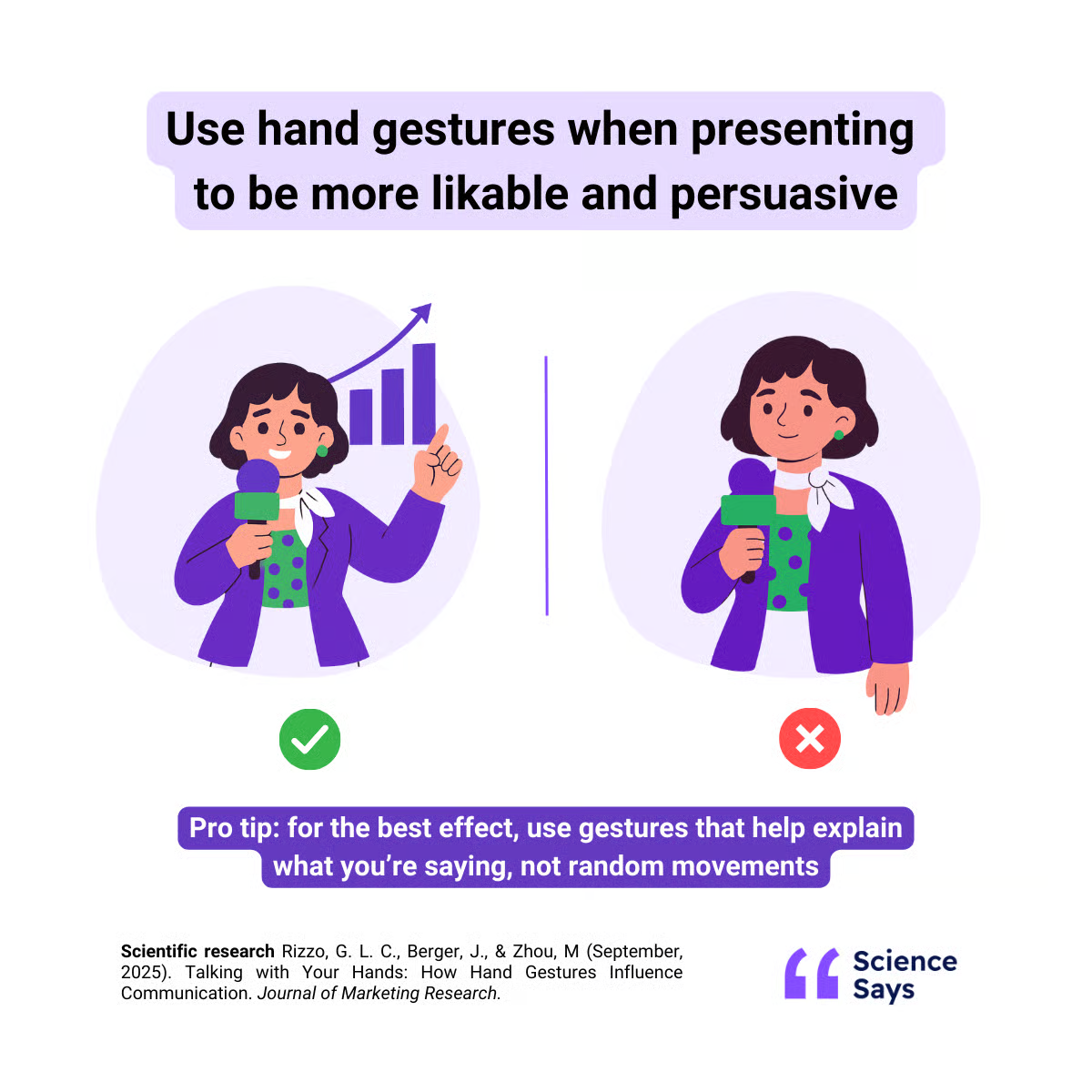
1️⃣ Gestures Increase Persuasion Automatically: Across thousands of TED talks and controlled experiments, speakers who used hand gestures were consistently perceived as more persuasive. In fact, simply doubling the number of hand movements led to noticeably higher engagement on video. Viewers liked the content more and responded more positively, even when the words stayed the same.
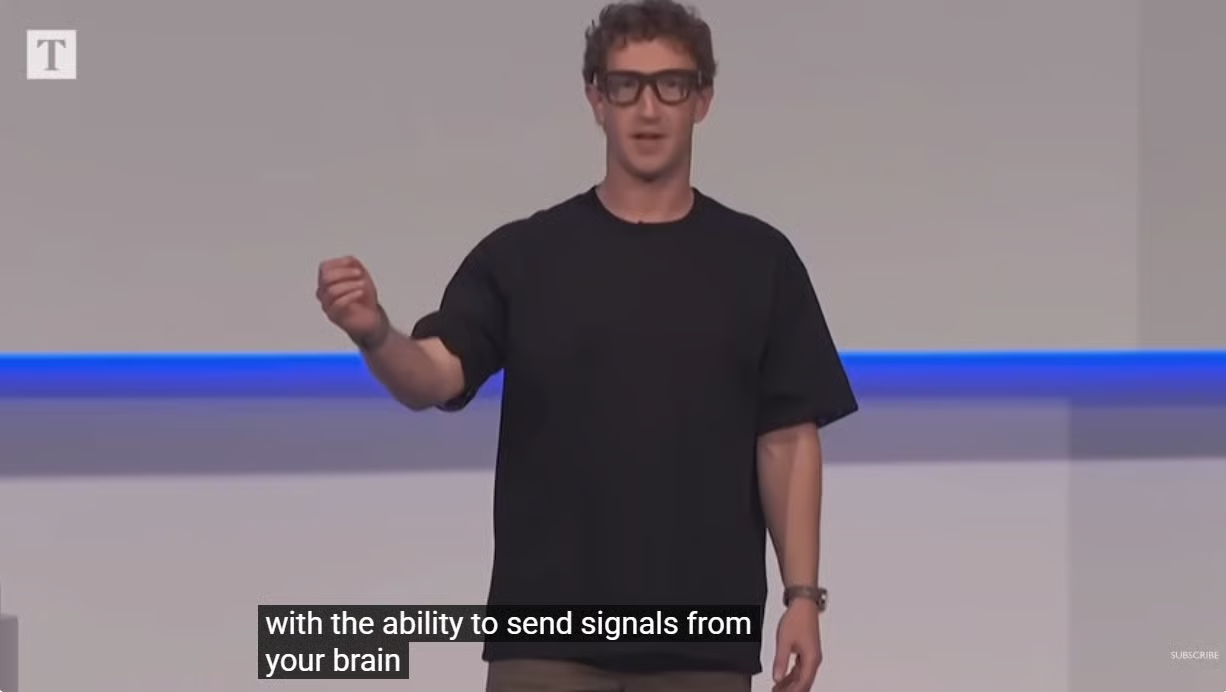
2️⃣ Gestures Help People Understand Faster: The effect is strongest when gestures visually match what is being said. Drawing a circle when explaining a loop. Moving a hand upward when describing growth. Mimicking brushing when talking about a toothbrush. These movements reduce cognitive effort. When people understand faster, they trust the speaker more.
3️⃣ More Gestures Usually Mean More Impact: Contrary to popular advice, using more gestures tends to strengthen the effect rather than dilute it. As long as the movements are connected to the message, additional gestures improve clarity and persuasiveness across digital products, functional products, and even entertainment.
4️⃣ Gestures Signal Competence And Confidence: When viewers see aligned body language, they subconsciously rate the speaker as more competent. This is not about theatrics. It is about alignment. When voice, words, and movement reinforce each other, the message feels grounded and intentional.
5️⃣ Poor Gestures Can Backfire: Not all movement helps. Awkward or unnatural gestures distract rather than clarify. If movements feel forced or disconnected from the message, they reduce credibility. The goal is illustration, not performance.
The Takeaway
People do not just listen to what you say. They watch how you say it. When your hands visually reinforce your words, your message becomes easier to process and harder to ignore. For presentations, pitches, and product demos, gestures are not decoration. They are part of the argument.
💡 How To Get Real Work Done With Claude Cowork
Most AI tools stop at advice. They suggest. They summarize. They tell you what to do next.
Claude Cowork goes further. It actually does the work inside your files.
This is what makes it useful for non-technical tasks.
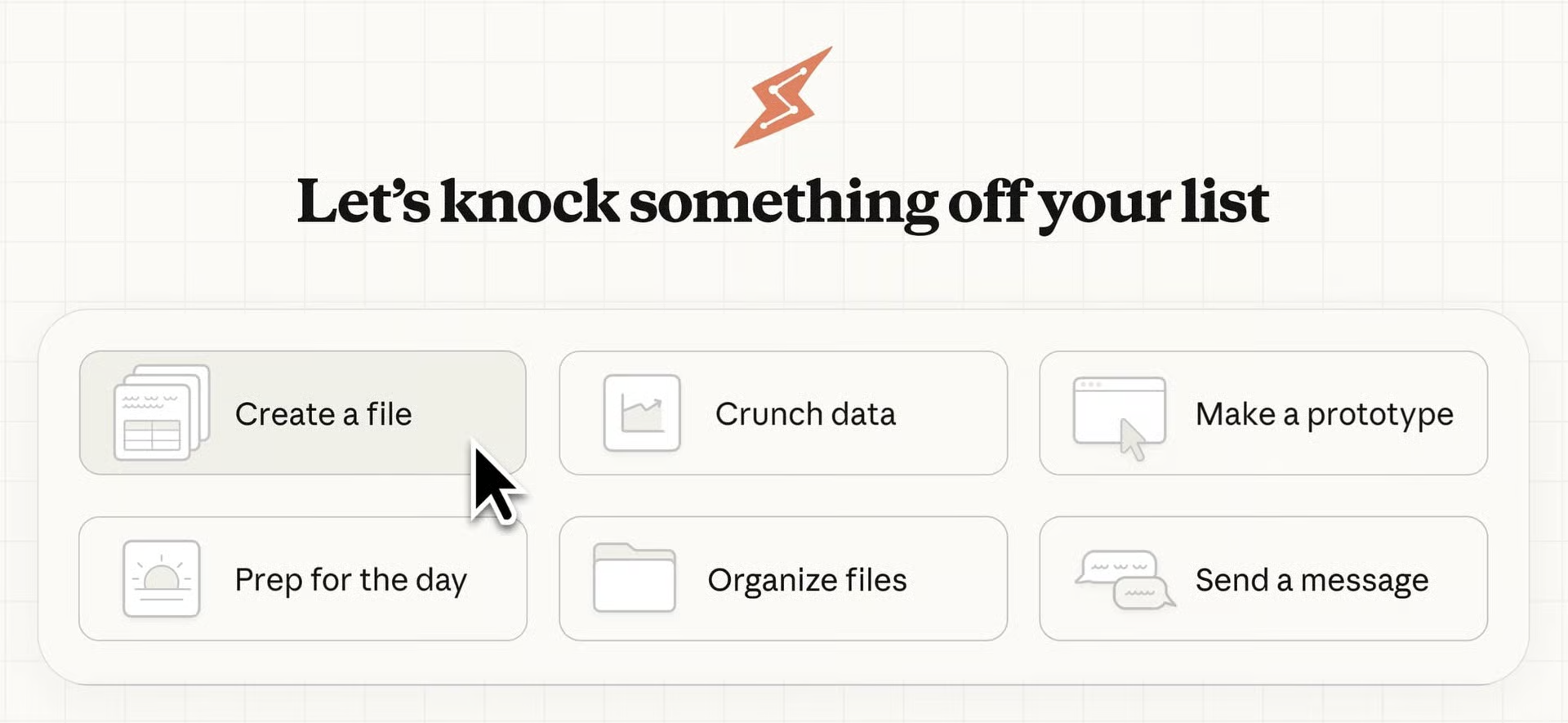
1️⃣ Give Claude Direct Access To Your Files: Open Claude Cowork on your laptop and select a folder. Downloads. Notes. Project files. Screenshots. Once selected, Claude can read what is already there. This removes the need to copy-paste context or explain where things live.
2️⃣ Turn Messy Inputs Into Structured Outputs: Claude works best with chaos. Scattered notes can become a clean report. Screenshots can turn into spreadsheets. Unsorted files can be renamed and organized automatically. You describe the outcome. Claude handles the execution.
3️⃣ Work Directly Inside Your System: This is not a separate workspace. Claude edits, creates, and organises files in place. That means no exporting, no syncing, and no rebuilding work elsewhere. The output lands exactly where you need it.
4️⃣ Automate Admin Without Writing Rules: Instead of setting up complex workflows, you use natural language. Ask Claude to group files by topic, extract data, create summaries, or clean up folders. The instructions stay human. The execution is machine-precise.
5️⃣ Save Time On Tasks That Drain Focus: Claude Cowork shines on tasks that are necessary but mentally expensive. Organising folders. Cleaning inputs. Turning fragments into something usable. Offloading this work frees attention for decisions that actually require thinking.
The Takeaway
The real value of AI is not faster thinking. It requires less manual effort. By letting Claude work directly inside your files, non-technical tasks stop stealing time and start disappearing quietly in the background.
As we prepare more "Growthful" content, we'd love to hear your thoughts on today's edition! Feel free to share this with someone who would appreciate it. 🥰