The Framework Behind Better Content
💡 See how structured scoring creates better content, then build an AI helpdesk employees can use directly inside their workflow.

Hey there 🧠
Ready for another day of staying ahead of the competition in the Growth race?
Oh and before we go ahead! If your friend sent this to you, be sure to subscribe here! So you don’t miss out on any editions.
In Partnership with Insense
Save 40+ hrs/month in Q4 on UGC creator & influencer operations
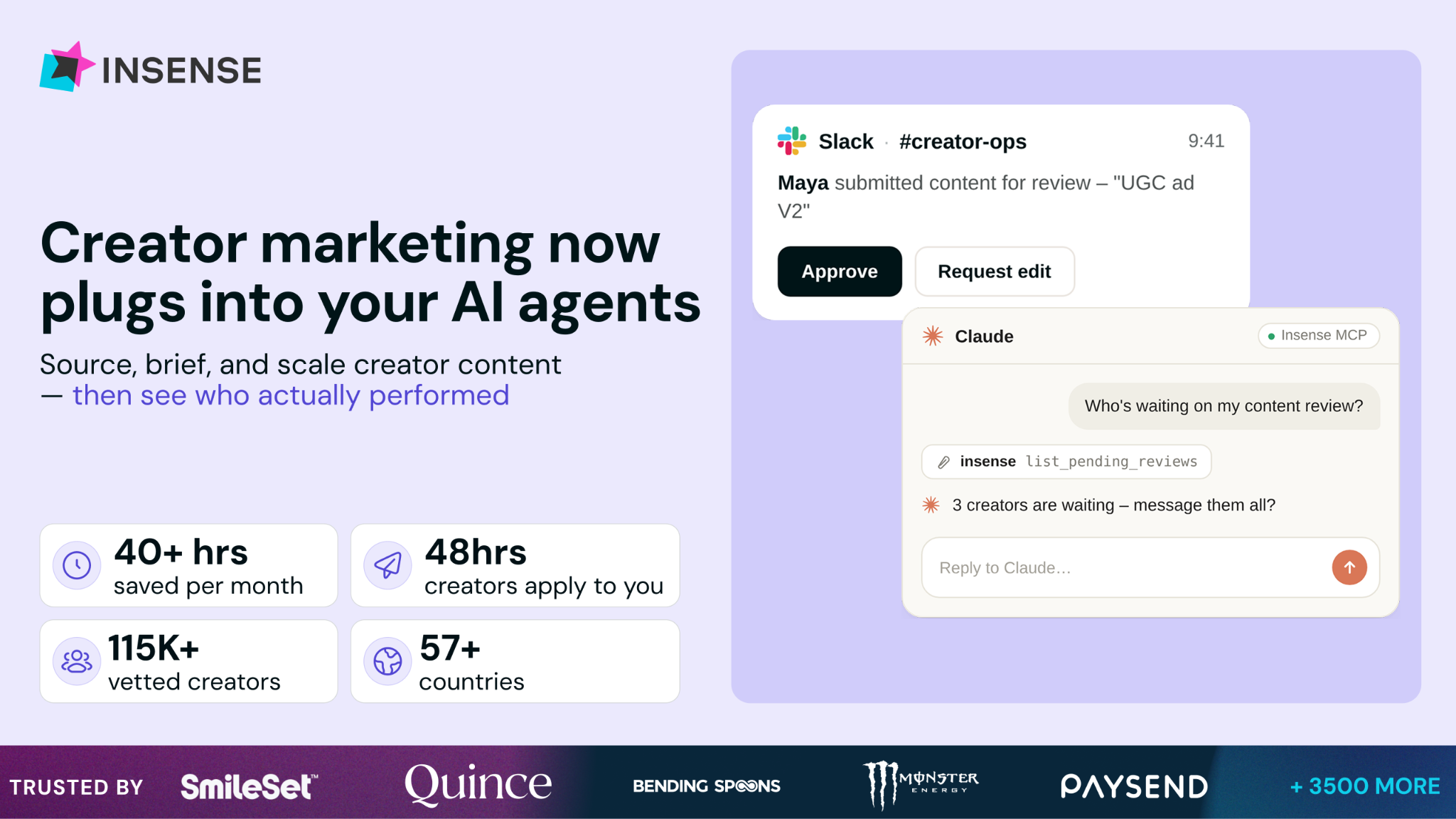
Your team already runs on Slack and AI agents. Your creator marketing should too.Insense now plugs into the stack you already use, so you brief, approve, and track creator work without living in yet another dashboard.
Route campaigns and updates through Slack, put your AI agents (ChatGPT, Claude) to work on briefs and shortlists, and keep everything connected to your Ads Manager and analytics.Underneath, the creator layer runs itself:
- Vetted creators apply to you within 48 hours - from a vetted marketplace of 115K+ creators across 57+ countries
- Run diverse campaign types - from UGC to seeding, influencer posting, and Meta Partnership Ads and TikTok Spark Ads
- Get creator performance insights - connect your Ads Manager and view which creators perform best - not only which ads
Over 3,500 brands and agencies use Insense, with first creator applications arriving within 48 hours and teams saving 40+ hours monthly.
Book a free strategy call by Oct 9th and get $200 towards your first campaign.
💡 Score Your Draft Before You Start Editing It
Not every draft needs the same level of editing.
Christine Skopec, who edits more than 115 articles a year for Semrush, built a framework to decide how much work a piece actually needs before touching it.
Here’s how it works.
1️⃣ Define The Editing Approach FirstBefore making changes, decide what kind of edit the draft needs.
Christine uses five levels: Overhaul, Rework, Deep Dive, Lighter Touch, and No Notes. Each one represents a different level of intervention, from directional feedback to line-by-line editing.
2️⃣ Score The Draft Across Four AreasRate the piece based on article quality, article type, article importance, and writer experience.
Each category receives a score from 0 to 2, giving the draft a total score out of eight.
3️⃣ Let The Score Decide The EditThe lower the score, the heavier the editing approach.
A score of 0 means Overhaul, 1–2 means Rework, 3–4 means Deep Dive, 5–6 means Lighter Touch, and 7–8 means little or no feedback is needed.
This makes editing more consistent and prevents teams from over-editing strong drafts or under-editing weak ones.
4️⃣ Help Writers Improve Over TimeThe framework also creates a feedback loop.
Writers should gradually score higher as they become more familiar with expectations. Christine uses the BLUF principle; Bottom Line Up Front; teaching writers to lead each section with the main takeaway.
Over time, even a short note like “BLUF this paragraph” can be enough direction.
5️⃣ Fact-Check Every DraftStrong writing doesn’t eliminate the need for verification.
Names, primary sources, product features, statistics, and SEO claims should still be checked regardless of how good the draft appears. For heavier edits, detailed fact-checking can happen after the main structural changes are complete.
Why It Works
A scoring system removes some of the subjectivity from editing.
Instead of deciding from scratch how aggressively to edit every article, teams can use the same framework to match effort with quality, importance, and writer experience.
The Takeaway
Editing should start with diagnosis, not redlines.
Score the draft first, choose the right level of intervention, and give writers a clear standard they can improve against over time.
💡 Build An AI IT Helpdesk In 15 Minutes With StackAI
Internal IT support is repetitive by nature.
Employees ask the same questions about VPNs, passwords, software access, and device issues, which makes IT helpdesks a natural use case for AI.
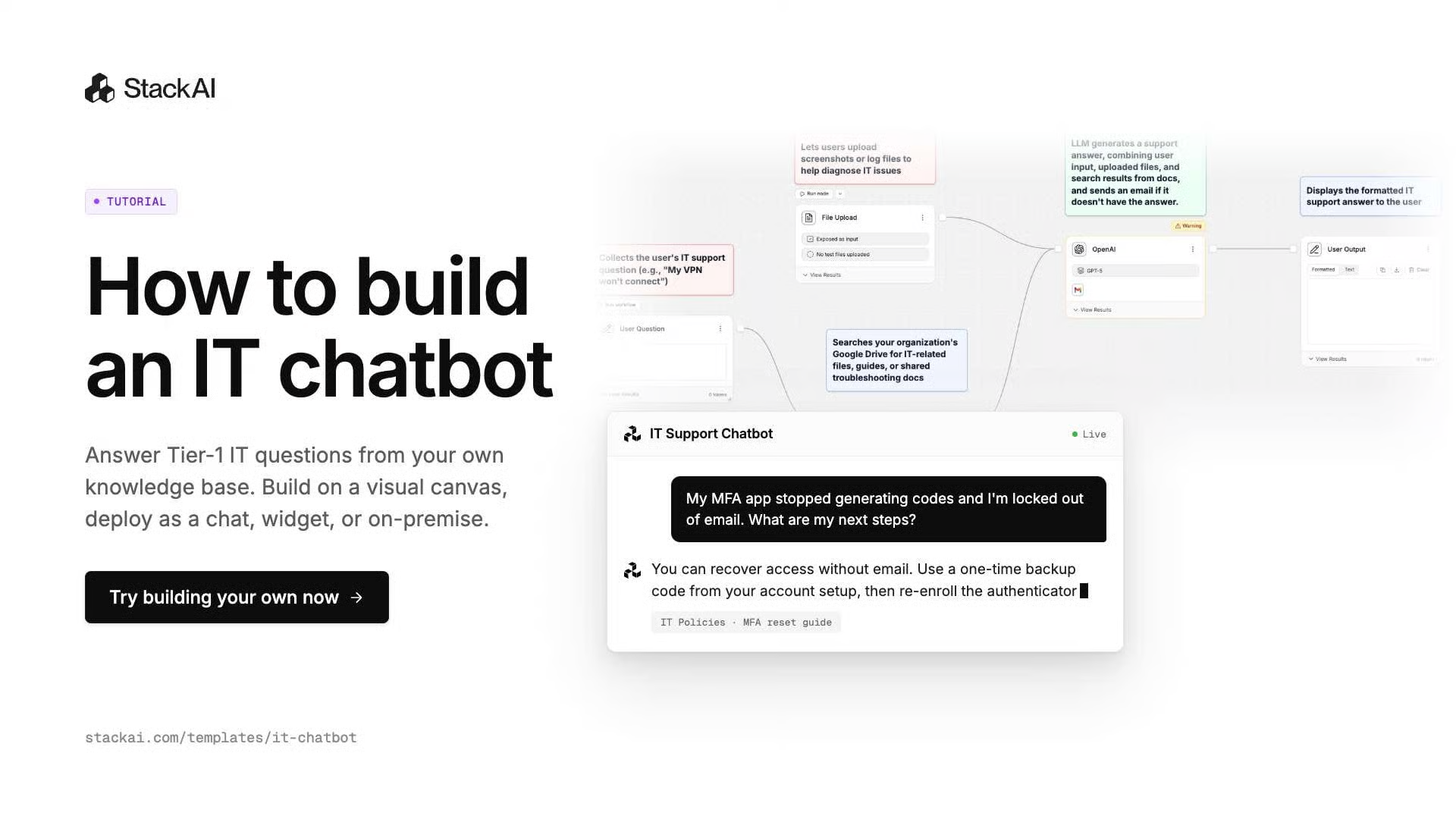
Here’s how to build one.
1️⃣ Start With The IT Support TemplateLog in to StackAI and open the IT Support Chatbot template.
This gives you a ready-made workflow instead of building the assistant from scratch.
2️⃣ Connect Your IT Knowledge BaseLink the documentation your team already uses.
That can include Google Drive, Confluence, SharePoint, or Notion, allowing the assistant to answer questions using your existing policies, troubleshooting guides, and internal procedures.
3️⃣ Choose The AI ModelSelect the LLM you want the helpdesk to use.
StackAI supports models from providers such as OpenAI and Anthropic, giving teams flexibility based on performance, security, and cost requirements.
4️⃣ Test It With Real Support QuestionsBefore publishing, use actual employee queries to see how reliably the assistant responds.
For example, ask it to troubleshoot a VPN issue, cite the internal documentation it used, explain the steps in sequence, and clearly state when the employee should escalate the issue to IT.
5️⃣ Deploy It Where Employees WorkOnce the answers are reliable, publish the chatbot to Slack, Microsoft Teams, or your intranet.
Organizations with stricter security requirements can also explore on-premises or fully air-gapped deployment options.
Why It Works
An AI helpdesk can answer repetitive support questions instantly while keeping responses grounded in company documentation.
That gives employees faster answers and allows IT teams to spend more time on issues that actually require human intervention.
The Takeaway
The best internal AI tools don’t replace your knowledge base.
They make it easier to use.
Connect your IT documentation, test the assistant against real problems, and deploy it where employees already ask for help.
As we prepare more "Growthful" content, we'd love to hear your thoughts on today's edition! Feel free to share this with someone who would appreciate it. 🥰