Recovery Takes More Than Links
⚡ The algorithm got stricter, and international expansion just got ridiculously easy.

Hey there 🧠
Ready for another day of staying ahead of the competition in the Growth race?
Oh and before we go ahead! If your friend sent this to you, be sure to subscribe here! So you don’t miss out on any editions.
Partnership with Norton Neo
AI That Lives In Your Browser. Not In The Cloud.
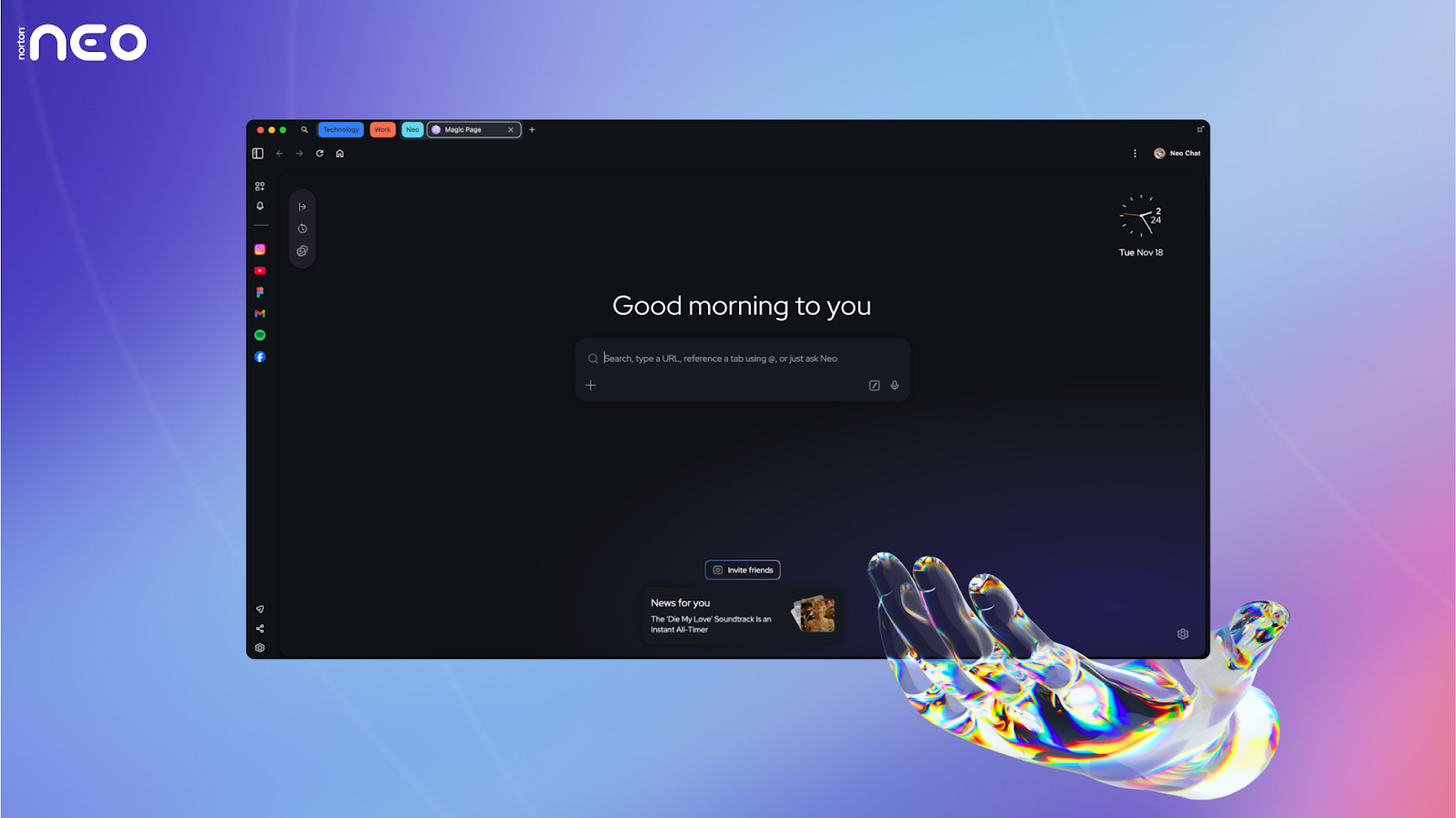
You had exactly what you needed open. Then your browser crashed and took all 23 tabs with it. The research, the doc, the three reference pages, gone.
Now you're spending 20 minutes rebuilding a session that took two hours to build.
Norton Neo is the world's first AI-native browser, meaning the AI isn't an extension you installed; it lives inside the browser itself.
It tracks your open tabs, understands how you're working, and keeps your context safe so when something goes wrong, you're not starting from zero.
- Recover full sessions across any device instead of rebuilding from scratch
- Tabs are organized by context, not the order you opened them
- Keep browsing history local so sensitive research never leaves your machine
- Block phishing and malicious sites before they compromise payments or logins
No extra extensions stacking up. No AI tools floating in separate tabs. Just a browser built for how people actually use the web today.
If you want early access to what’s coming next, join the Norton Neo Discord and connect directly with the team building it.
💡 How Have Websites Recovered From The Latest Core Update
The rankings dropped. Traffic followed. And suddenly, your “evergreen” post was invisible.
The latest core update did not just reshuffle keywords. It exposed weaknesses in trust, originality, and user experience. Recovery stories suggest this was less about technical tricks and more about business fundamentals.
Here is what actually moved the needle.
1️⃣ Trust Became The Ranking Lever: Sites that recovered improved real-world trust signals. One medical eCommerce brand rebounded only after fixing shipping delays and customer complaints. Google’s systems increasingly interpret reputation data. If customers are frustrated, rankings follow.
2️⃣ Original Content Outperformed Generic AI Writing: Websites offering firsthand experience, proprietary insights, or unique analysis survived. If your page can be fully summarized by an AI without losing value, it is unlikely to stand out. Depth, not volume, is the differentiator.
3️⃣ User Experience Signals Strengthened: Recovered sites made content skimmable and human-focused. Clear structure, minimal fluff, fewer intrusive ads, and fast access to answers aligned with Google’s quality standards. Content must serve readers before it satisfies crawlers.
4️⃣ Firsthand Experience Gained Weight: Affiliate sites that added original photos, product demos, and personal reviews saw improvements. Demonstrating that you physically tested or experienced what you discuss creates signals AI cannot fabricate easily.
5️⃣ Recovery Takes Time And Consistency: Sites that were heavily hit may require multiple core updates to regain ground. Persistent customer complaints, thin content, or reputation issues slow the process.
The Takeaway
Modern SEO is not just about keywords or backlinks. It reflects brand trust, originality, and user experience. Recovery begins by fixing real business problems and proving credibility, not by chasing technical shortcuts.
💡 How To Dub Your Videos Into Any Language With AI
Reaching a global audience used to mean expensive studios, voice actors, and weeks of back-and-forth edits.
Now, you can localize your videos into multiple languages in minutes.
AI dubbing tools are making international expansion frictionless. Instead of adding subtitles, you can fully translate and voice your content while preserving tone and delivery.
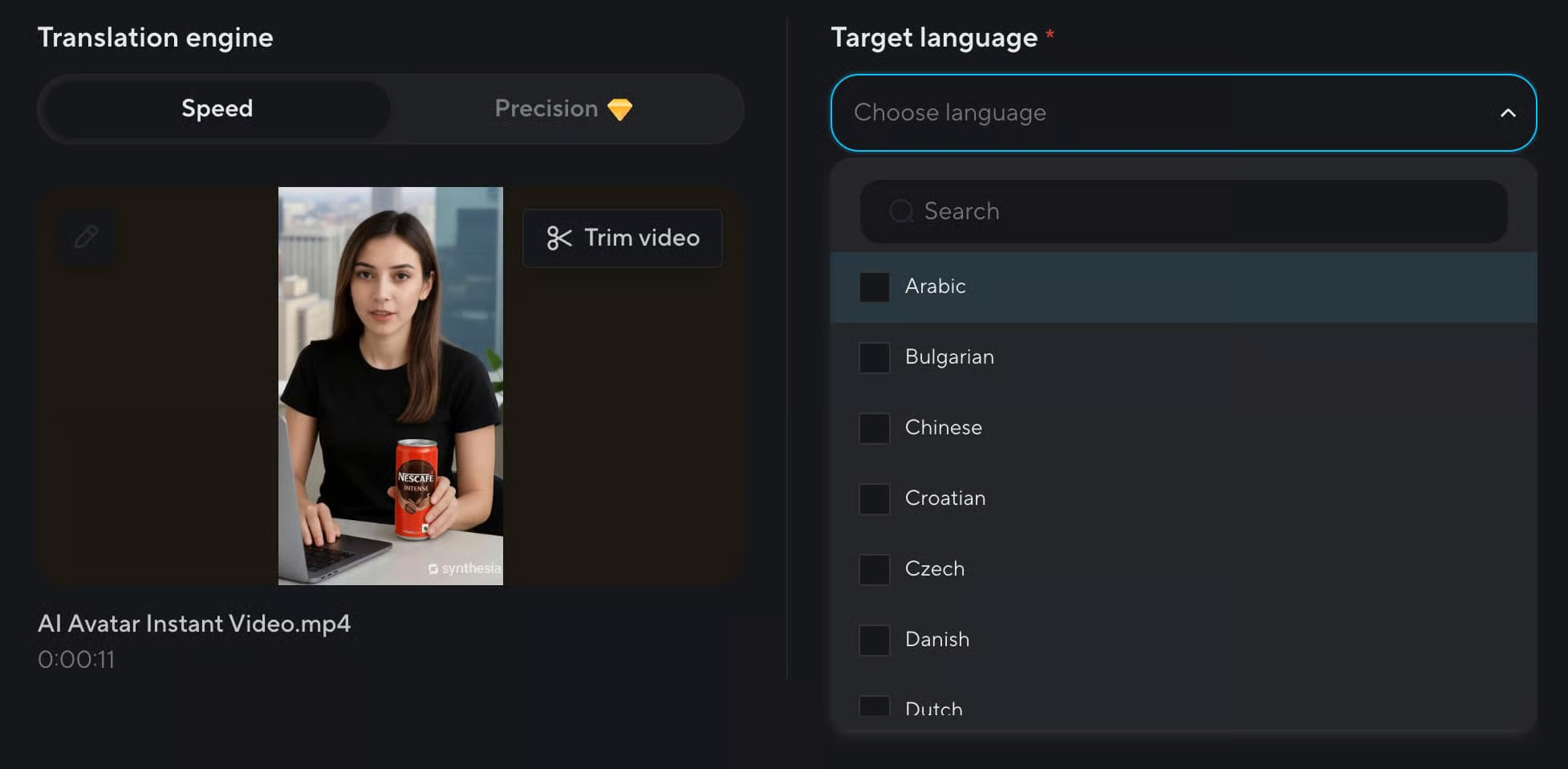
Here is how to do it.
1️⃣ Upload Your Video To HeyGen: Go to HeyGen and create an account. Once inside, click on the “Translate” option. Upload your video file directly or paste a YouTube or Google Drive link.
2️⃣ Select Your Target Language: Choose the language you want your video translated into. In most cases, you can keep the default settings for voice and sync unless you want advanced customization.
3️⃣ Let AI Process The Dub: After confirming your selection, the system will automatically translate, generate a voiceover, and sync the audio to your video. This usually takes around five minutes, depending on the length.
4️⃣ Download Or Share Instantly: Once processing is complete, you can download the dubbed version or share it directly via link.
The Takeaway
AI dubbing removes the biggest barrier to global content distribution. Instead of creating separate videos for every market, you can scale one core asset across multiple languages quickly and efficiently.
As we prepare more "Growthful" content, we'd love to hear your thoughts on today's edition! Feel free to share this with someone who would appreciate it. 🥰