Four PPC Tasks AI Can Handle
🎯 Start automating PPC with low-risk monitoring jobs, then use ChatGPT Images to animate yourself into a custom looping GIF.

Hey there 🧠
Ready for another day of staying ahead of the competition in the Growth race?
Oh and before we go ahead! If your friend sent this to you, be sure to subscribe here! So you don’t miss out on any editions.
In Partnership with New Engen
Your next winning ad needs a different voice
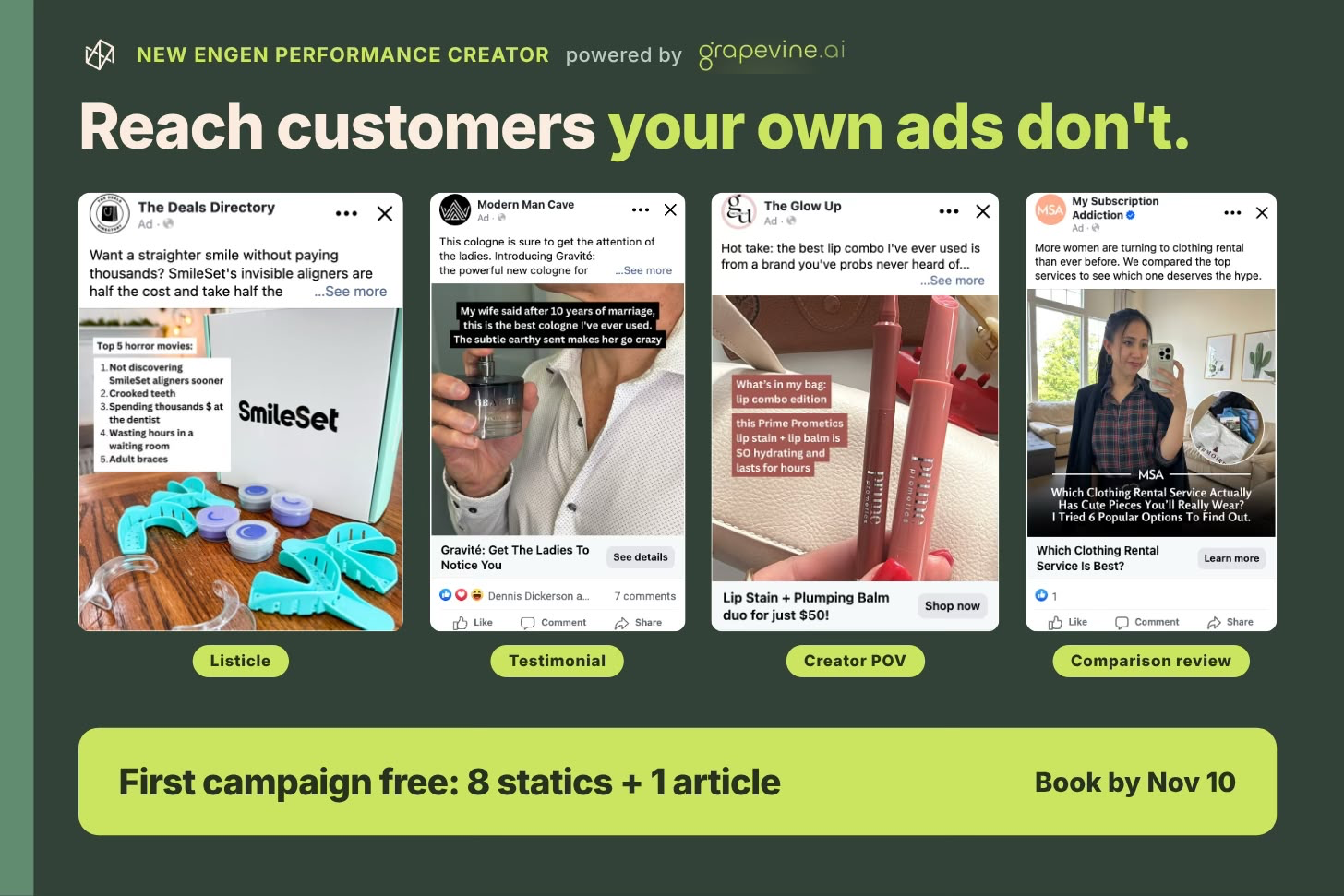
Your product solves a real problem. But when every ad makes a promise, buyers need a reason to believe yours.
A qualified expert explaining how it works can give them that reason.
Grapevine, now part of New Engen, creates ads delivered through creator and publisher handles with production managed from brief to launch.
You approve the angles and ship product. Grapevine sources creators, handles briefs and payments, then produces and posts the content.
- Madison Reed achieved 20% efficiencies over target CPA and 50% higher LTV.
- Mathnasium cut Meta CPL by 33% in under 30 days.
- Cirkul achieved 15-50% lower TikTok CPA and nearly doubled CTR through creator whitelisting.
Put this approach to work with your first campaign on Grapevine.
Kick off by November 30 and your first campaign is free: 8 statics and 1 article worth $1,500.
💡 Give These Four PPC Chores To An AI Agent First
AI agents can help manage paid search, but giving them full control too early is risky.
A better approach is to start with repetitive monitoring tasks, then expand only after the agent proves it can catch problems reliably.
Here’s where to begin.
1️⃣ Search Term Waste: Let the agent flag queries that spend without converting, suggest negatives, and surface terms that may deserve more attention.
Set minimum spend or click thresholds so it ignores noise.
2️⃣ Budget Pacing: Ask it to monitor whether campaigns are spending too quickly or too slowly.
It should also check whether conversion volume is keeping pace before raising an alarm.
3️⃣ Tracking Gaps: If Google Ads reports more conversions than your CRM shows leads, let the agent investigate possible causes.
This can help reveal broken tracking, attribution gaps, or campaigns generating low-quality conversions.
4️⃣ Broken Pages And Forms: If clicks stay stable but bookings suddenly fall, the problem may be your website rather than your ads.
An agent can check forms and landing pages before more budget gets wasted.
5️⃣ Onboard It Like A New Hire: Give the agent one clear job, specific thresholds, access only to the data it needs, and a requirement to show evidence for every recommendation.
Start read-only and keep humans approving changes to budgets, bids, keywords, and campaigns.
Why It Works
AI agents are strongest when they have a narrow task, clear rules, and enough context to investigate instead of simply triggering alerts.
The Takeaway
Don’t judge a PPC agent by how many alerts it sends.
Judge it by the problems it catches early, the evidence behind its recommendations, and the time it saves your team.
💡 Turn A Photo Of Yourself Into A Reaction GIF With ChatGPT Images
ChatGPT Images can now turn a still image into a looping animated GIF.
That makes it easy to create custom reactions without recording video or editing frames manually.
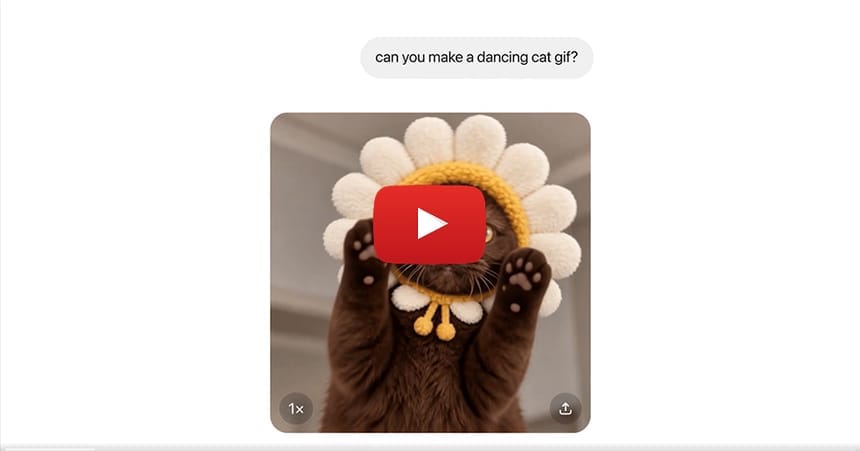
Here’s how to do it.
1️⃣ Upload A Clear Photo: Open ChatGPT Images and upload a sharp image of yourself with your face, hairstyle, outfit, and background clearly visible.
A clean starting image helps the animation stay consistent.
2️⃣ Describe The Reaction: Ask ChatGPT to turn the photo into a seamless looping GIF showing the reaction you want.
Think surprise, disbelief, excitement, confusion, or any expression that can be shown in a few clear beats.
3️⃣ Define The Motion: Specify how the reaction should unfold.
A useful sequence is neutral, notice, react, exaggerated peak, recover, then return smoothly to the starting pose.
4️⃣ Control What Stays Still: Tell ChatGPT to keep the camera fixed and preserve your face, hairstyle, clothing, and background.
Also specify which parts should move so the animation does not drift unnecessarily.
5️⃣ Refine The Loop: Review the generated GIF and adjust the playback speed until the reaction feels natural.
If the face, pose, or loop changes too much, describe the exact issue in the same chat and regenerate with tighter consistency instructions.
Why It Works
A good reaction GIF depends on clear movement, a recognizable peak, and a smooth return to the first frame.
Giving the animation a simple structure makes the final result easier to read and more reusable.
The Takeaway
You don’t need to film yourself to make a custom reaction GIF.
Start with one clear photo, describe the motion precisely, and refine until the loop feels seamless.
As we prepare more "Growthful" content, we'd love to hear your thoughts on today's edition! Feel free to share this with someone who would appreciate it. 🥰