Don’t Starve Meta’s Algorithm
🧠 Understand why Meta needs broader signals to learn effectively, then let Claude Code turn rough inputs into presentation-ready slides.

Hey there 🧠
Ready for another day of staying ahead of the competition in the Growth race?
Oh and before we go ahead! If your friend sent this to you, be sure to subscribe here! So you don’t miss out on any editions.
In Partnership with Insense
You don't have a creator problem. You have a workflow problem.
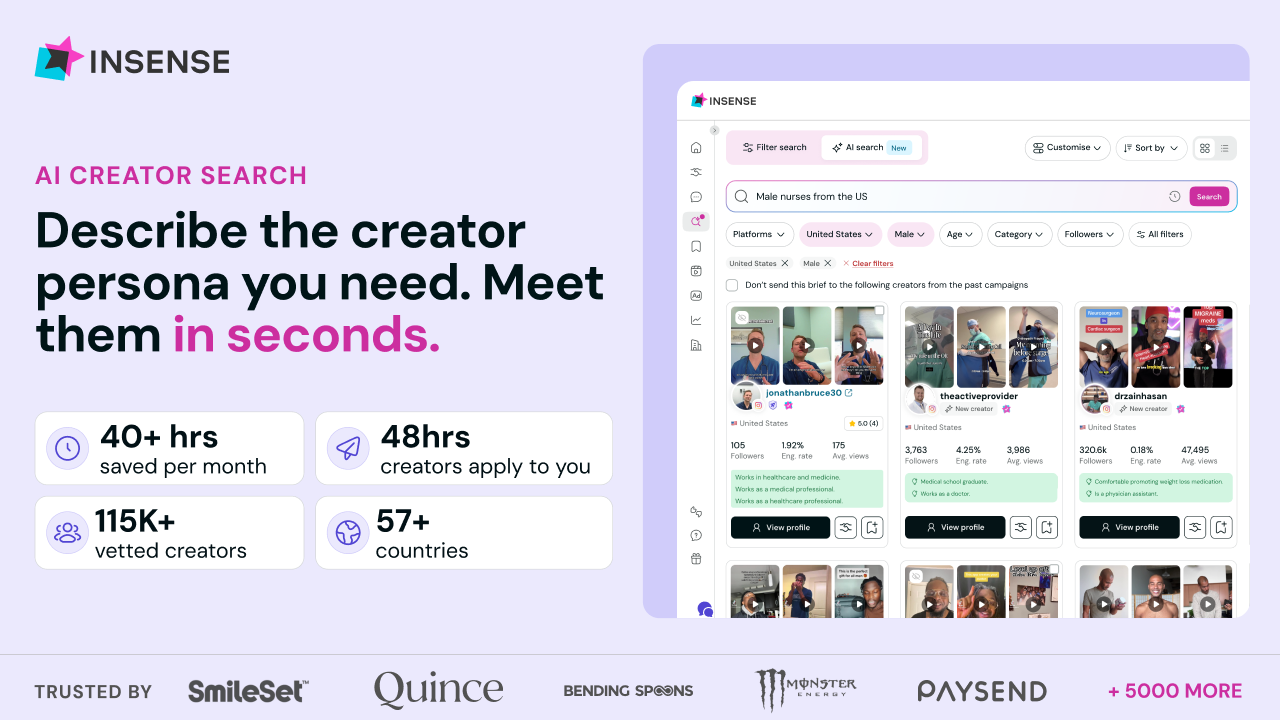
A creator disappears. A shipment stalls. Your paid team waits another week for content while someone tracks contracts and payments across separate tools.
Insense replaces that workflow with one self-serve platform.
One place to receive creator matches from 115,000+ vetted profiles, run briefs, ship product, automate contracts and payments, and own full lifetime content rights.
The results speak for themselves:
- Nurture Life cut turnaround time from 2 months to 2 weeks using just one marketer and Insense
- Solawave received 180+ ad-ready assets in a single month by simply shipping products
- Matys Health achieved 12× reach through Spark Ads on TikTok
More than 5000 brands and agencies use Insense, with first creator applications arriving within 48 hours and teams saving 40+ hours monthly.
Book a free strategy call and get $200 platform credits towards your first campaign.
💡 Your Custom Conversion May Belong In Reporting, Not Optimization
Custom conversions feel precise.
But in Meta Ads, narrowing optimization too far can reduce the data the system needs to perform well.
Here’s what matters.
1️⃣ Know The Difference First: Standard events like Purchase or Lead are Meta’s default optimization signals.
Custom events track actions outside that standard list, while custom conversions use rules to isolate a specific subset, such as purchases of one particular product.
2️⃣ Narrower Signals Mean Less Data: Optimizing for one specific custom conversion can shrink the number of events Meta sees.
When conversion volume gets too low, the system has less data to learn from and performance can suffer.
3️⃣ Broad Optimization Gives Better Context: If someone clicks an ad for one product but buys something else, that still matters.
Optimizing only for the narrow custom conversion can hide useful information about total sales and customer behavior.
4️⃣ Use The Custom Conversion As A Reporting Column: A better approach is often to optimize for the broader standard event, then add the custom conversion as a column in Ads Manager.
That gives Meta enough signal while still showing exactly how many sales came from the specific product you care about.
5️⃣ Only Optimize Narrowly When Volume Supports It: A custom conversion makes more sense as an optimization event when it generates enough conversions on its own and solves a real performance problem.
Meta’s rough learning benchmark is around 50 optimization events per ad set per week.
Why It Works
Broad signals give Meta more data to learn from.
Custom conversions can then provide the precision you need for reporting without starving the algorithm.
The Takeaway
Let Meta optimize broadly.
Use custom conversions to measure narrowly.
💡 Turn Rough Notes Into A Polished Deck With Claude Code
Most presentations don’t start with slides.
They start with messy notes, screenshots, reports, and scattered ideas.
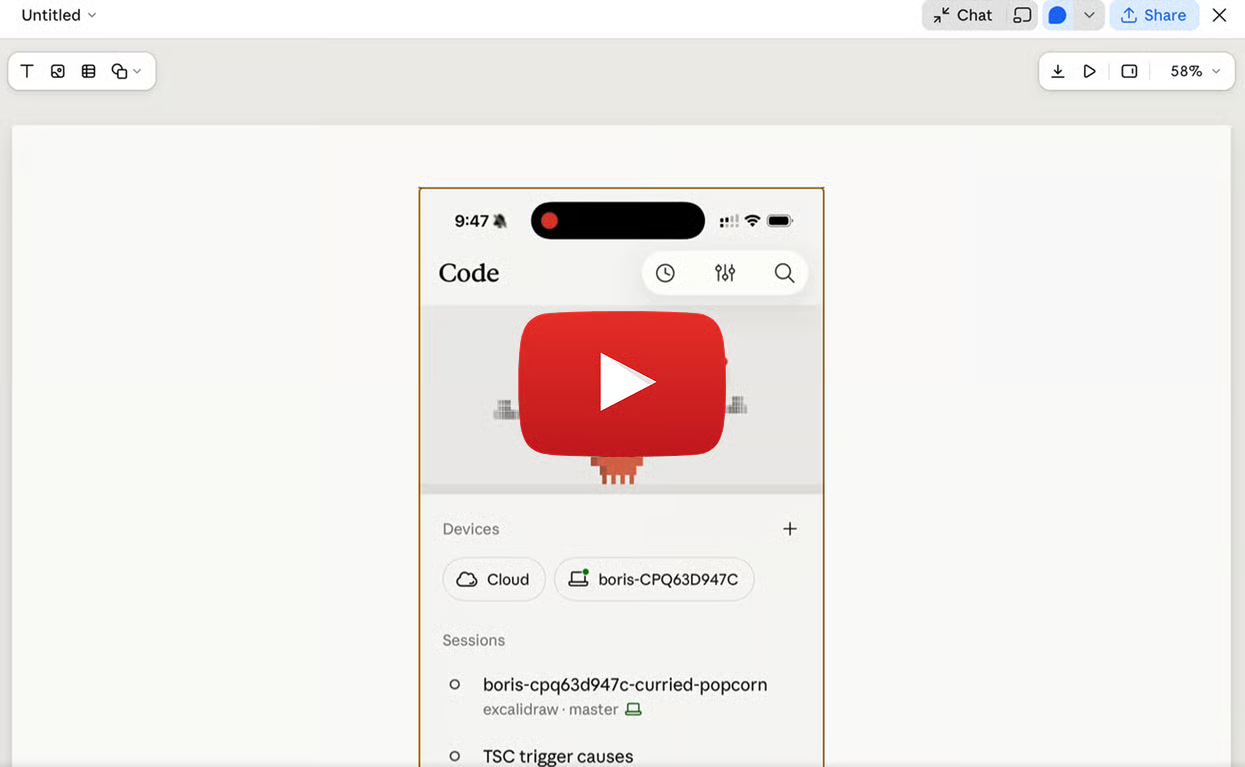
Here’s how to turn them into a deck.
1️⃣ Start With Your Source Files: Open Claude Code in the folder containing your notes, screenshots, reports, or other reference material.
This gives Claude direct context from the files you already have.
2️⃣ Define The Story First: Tell Claude who the audience is, how many slides you want, and what narrative the deck should follow.
Ask it to move clearly from the problem to the solution or outcome, with one main idea per slide.
3️⃣ Set The Visual Direction: Specify the style you want, such as minimal, premium, bold, or corporate.
Also ask for charts, diagrams, device mockups, and visual elements wherever they help explain the message.
4️⃣ Let Claude Build The First Draft: Claude Code can inspect the source material and generate the presentation as a Slides artifact.
Then review the deck for clarity, pacing, and whether each slide earns its place.
5️⃣ Refine Individual Slides: Use targeted requests such as “make slide 6 more visual,” “replace this chart,” or “add a phone frame around this screenshot.”
Once the deck is ready, export it to PowerPoint, PDF, or Google Slides.
Why It Works
Claude starts from the information you already have instead of forcing you to build every slide manually.
That makes it easier to focus on structure, narrative, and visual clarity.
The Takeaway
Don’t start with a blank slide.
Start with the source material, define the story, and let Claude turn rough inputs into a presentation you can refine.
As we prepare more "Growthful" content, we'd love to hear your thoughts on today's edition! Feel free to share this with someone who would appreciate it. 🥰