Cracking Google Discover
📊 Turning Google Discover into growth, plus building clear presentations with Kimi AI.

Hey there 🧠
Ready for another day of staying ahead of the competition in the Growth race?
Oh and before we go ahead! If your friend sent this to you, be sure to subscribe here! So you don’t miss out on any editions.
Partnership with Modash
New Influencer Marketing Industry Report: Risk Management
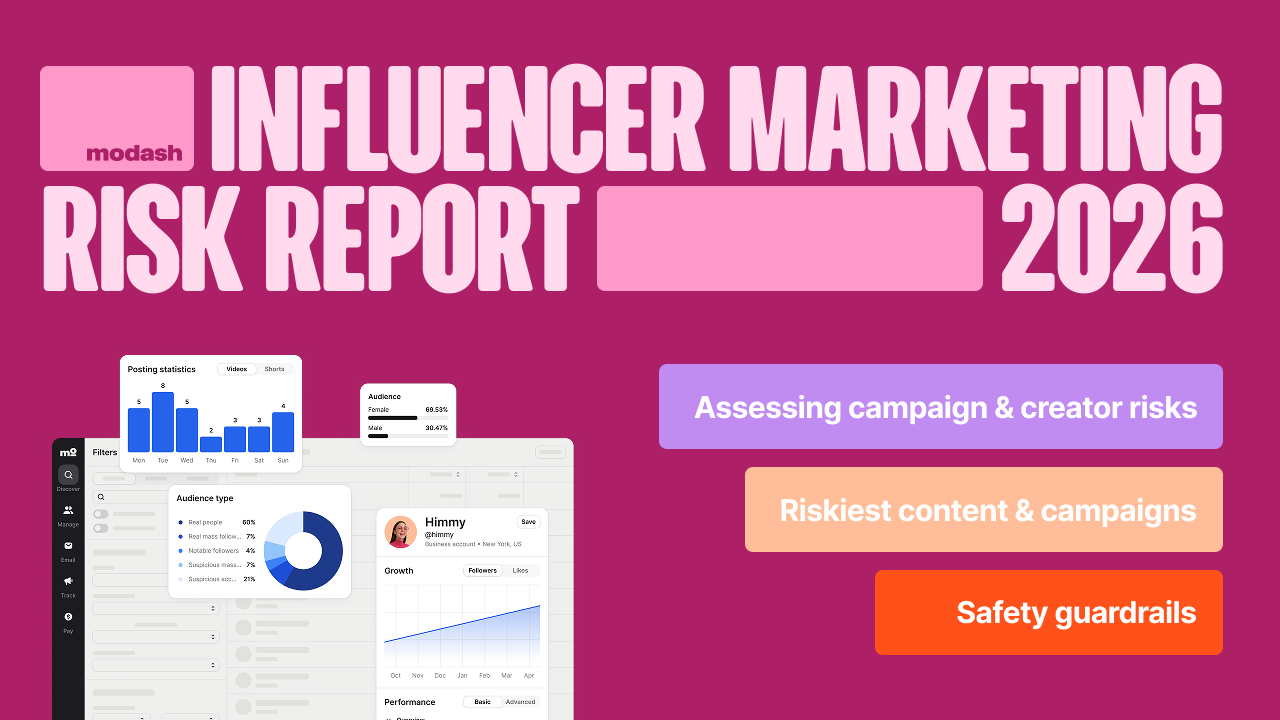
Spending money is part of marketing. But when it comes to influencers, it often means betting on variables you can’t fully control: will the algorithm push the content? Will the audience engage? And more importantly: will they buy?
Modash’s latest influencer marketing study reveals that 71% of marketers ran campaigns in the last quarter that made them a little nervous. Risk comes with the job, and the majority of surveyed influencer marketers are willing to take it - as long as brand reputation stays protected.
This influencer marketing risk report outlines:
- How marketers assess the risk of a campaign or creator
- Which types of collabs and content feel riskiest
- How do they hedge their bets when investing in uncertain partnerships
Access the full report for free here (non-gated).
💡 How To Analyze And Get The Most Value Out Of Google Discover
Google Discover feels unpredictable. But it is not random.
According to Harry Clarkson-Bennett, Discover rewards publishers who understand what actually drives promotion instead of chasing vanity metrics.
While evergreen content can surface occasionally, Discover is primarily a freshness-driven, lifestyle-leaning engine that reacts fast to early signals.
1️⃣ Click Through Rate Is The Primary Lever: Discover makes promotion decisions almost in real time, which makes CTR foundational. To improve it without clickbait, test headline variations by subfolder. Keep your on-page title intact, but craft a more curiosity-driven version specifically for the Discover feed. Small headline changes often create outsized distribution effects.
2️⃣ Entity Analysis Beats Keyword Obsession: Discover runs on entities, not keywords. Use LLMs and Named Entity Recognition tools to identify which entities consistently drive engagement. Understanding whether content is interpreted around brands, people, or concepts helps you double down on high-value topics your audience already responds to.
3️⃣ Subfolder Performance Reveals Hidden Patterns: Track clicks and impressions at the subfolder level to see which site sections consistently perform better. This shows where Discover gives content a head start. When combined with headline data, it helps editors guide writers on what topics belong where.
4️⃣ Authorship Builds Long-Term Trust: Clear author signals matter in an ecosystem flooded with AI-generated content. Track which writers land in Discover most often and what topics they perform best with. Strong author footprints help reinforce credibility and counter misinformation signals.
5️⃣ Headline Types Influence Reach: Different headline styles perform differently across contexts. Categorize headlines by type, such as curiosity gaps, numbered lists, emotional hooks, or how-to formats. First-person or more human angles can sometimes outperform polished, neutral titles inside Discover feeds.
The Takeaway
Google Discover rewards speed, relevance, and clarity. By focusing on CTR, entities, site structure, authorship, and headline intent, you stop guessing and start building repeatable Discover performance. Understanding these levers turns Discover from a gamble into a growth channel.
💡 How To Create Stunning Slides With Kimi AI
Creating presentations usually means juggling structure, visuals, and clarity. Kimi AI compresses that entire workflow into a few guided steps.
Instead of starting from a blank deck, you start with intent. Kimi handles the rest.
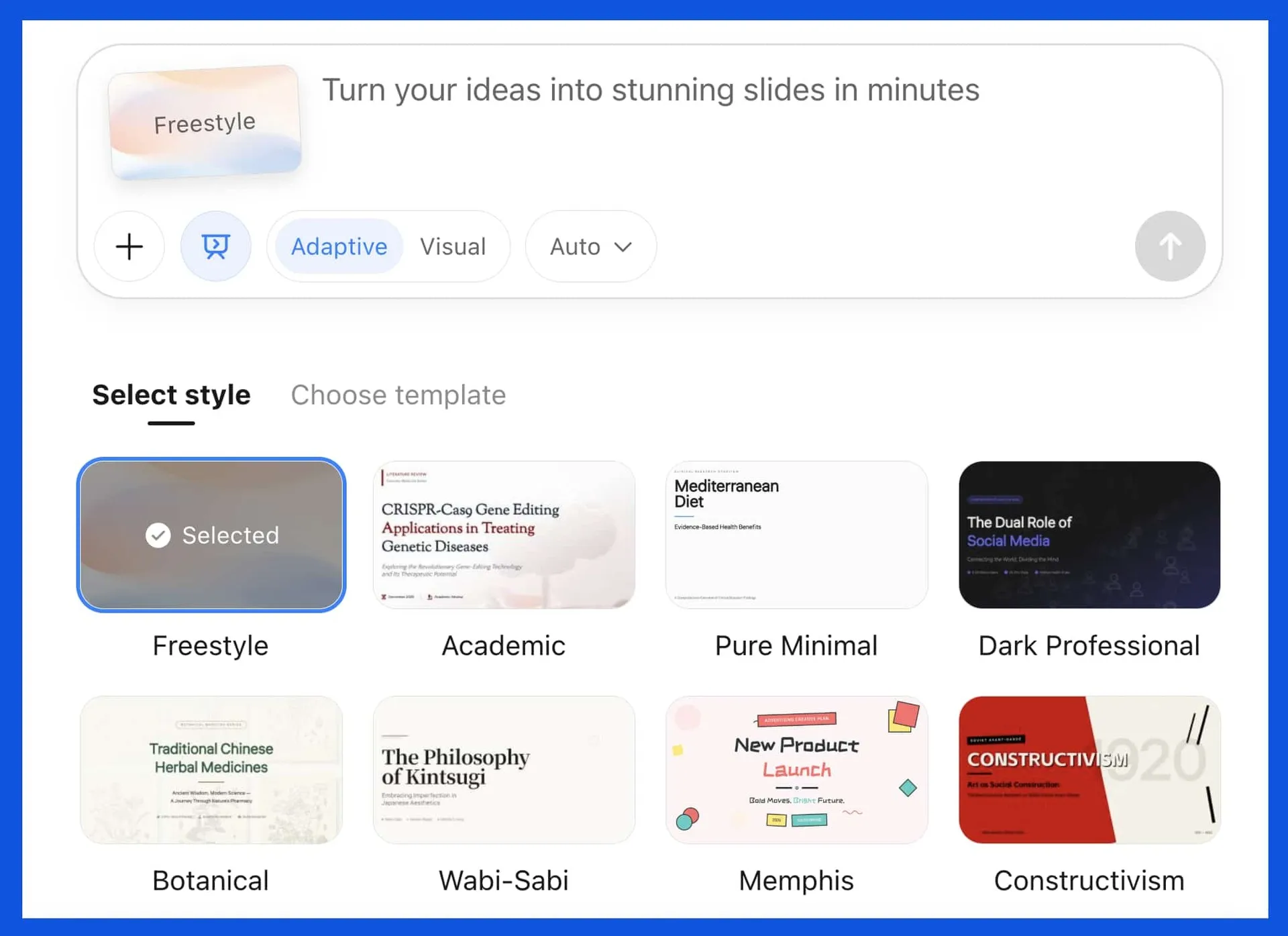
1️⃣ Start With Kimi And Choose Slides: Sign up for Kimi and select the Slides option. This tells the system you want a presentation, not long-form text or research output.
2️⃣ Describe The Presentation Clearly: Enter a prompt that defines the goal, audience, and tone. Strong prompts ask for a clear opening slide, a handful of focused points, simple examples, and a crisp takeaway. Limiting bullets per slide keeps the deck skimmable and presentation-ready.
3️⃣ Select Style And Depth: Choose a presentation style and template, then decide between Adaptive mode for deeper, research-backed slides or Visual mode for more creative layouts. This lets you control whether clarity or aesthetics lead the deck.
4️⃣ Generate And Review: Click Generate Slides and let Kimi build the presentation. Once ready, review the flow, adjust wording if needed, and ensure it matches your voice and context.
5️⃣ Download And Present: Export the final deck as a PPTX file. The slides are ready to share, edit further, or present immediately without additional formatting work.
The Takeaway
Great slides are about structure and clarity, not fancy animations. By turning clear prompts into polished presentations, Kimi AI saves time and helps you communicate ideas visually without design overhead.
As we prepare more "Growthful" content, we'd love to hear your thoughts on today's edition! Feel free to share this with someone who would appreciate it. 🥰