Better Prompts Better Output
🎯 While you focus on better AI outputs and brand voice, automation can also eliminate repetitive work completely.

Hey there 🧠
Ready for another day of staying ahead of the competition in the Growth race?
Oh and before we go ahead! If your friend sent this to you, be sure to subscribe here! So you don’t miss out on any editions.
Partnership with Templafy
Your AI is generating content your brand team never approved.
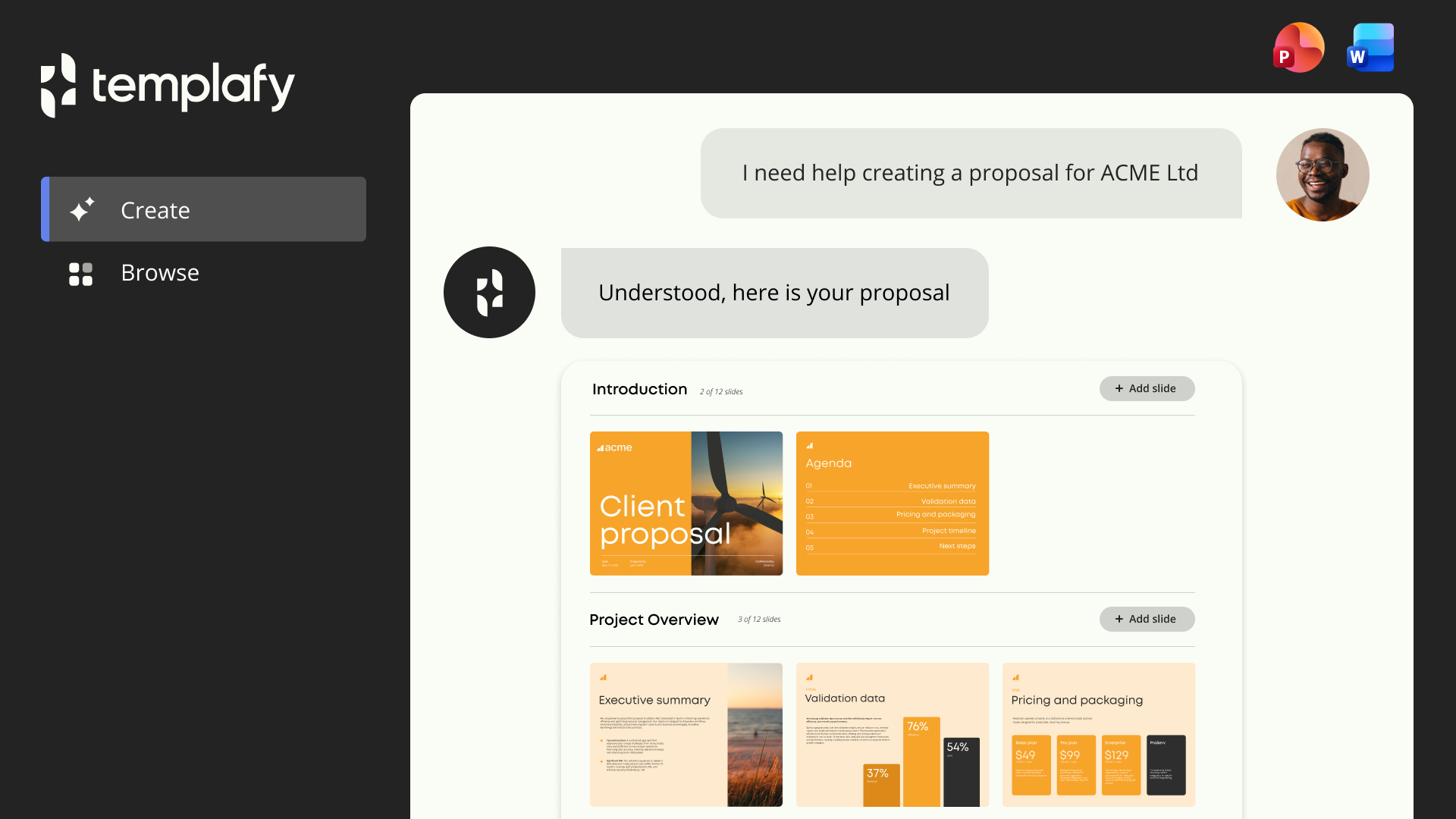
That deck someone sent to a prospect last Tuesday. The proposal that went out with last year's messaging. The pitch built from a template nobody updated. It happens every day, and marketing is the last to know.
Templafy fixes this at the source, before the wrong content ever gets built. Your brand rules, approved content, and compliance guardrails are built into the AI itself.
Every document your team generates follows them automatically, whether they're in PowerPoint, Word, or Google Workspace.
- Every AI-generated document follows your brand rules from the first slide
- No rogue content, outdated messaging, or off-brand assets reaching clients
- 4M+ users at KPMG, PwC, Adobe, Cisco, and Pandora running on it
BDO saved $1.65M in a year. Adobe teams got back 72% of their time. The output your team generates tomorrow will look exactly the way your brand demands it to.
💡 Why Your AI Output Sounds Off
Most people blame the AI when outputs feel generic or off-brand. But the real issue is usually the input. Vague instructions like “write conversationally” leave too much room for interpretation, and AI fills those gaps with safe, generic patterns. If you want consistent, on-brand output, you need to train the AI with clarity, not assumptions.
Here’s how to build guidelines that actually work.
1️⃣ Define Your Voice Clearly: Do not rely on vague labels like “friendly” or “conversational.” Explain what that means in real terms, such as “write like you are explaining something to a friend over coffee, not presenting to executives.”
2️⃣ Use Do And Don’t Examples: Show the AI what good looks like and what does not. Include examples of word choice, sentence style, and tone so it can replicate patterns accurately.
3️⃣ Set Hard Boundaries: List what should never be used. For example, avoid words like “leverage,” avoid generic openings like “So,” and remove overused phrases or clichés completely.
4️⃣ Add Side By Side Comparisons: Include examples labeled clearly as on-brand, too formal, or too generic. This gives the AI a direct reference point instead of abstract instructions.
5️⃣ Be More Detailed Than You Think: Unlike humans, AI cannot read between the lines. The more explicit and example-driven your guide is, the better the output.
6️⃣ Tell The AI To Use It: Upload your guide and explicitly instruct the tool to follow it. Simply attaching it without direction leads to weaker results.
7️⃣ Keep It Updated: Treat your guide as a living document. Add new examples, refine instructions, and save high-performing prompts regularly.
The Takeaway
AI does not fail randomly, it follows your instructions exactly as given. The better your guidance, the better your output. Invest in clear, detailed brand guidelines and you turn AI from generic to consistently on-brand.
💡 How To Generate Invoices Instantly With AI
Creating invoices manually takes more time than it should. Formatting, adding details, and ensuring everything looks professional can slow down simple workflows. But with AI tools like Replit, you can generate clean, ready-to-send invoices in seconds. Instead of building from scratch, you just describe what you need and let the system handle the rest.
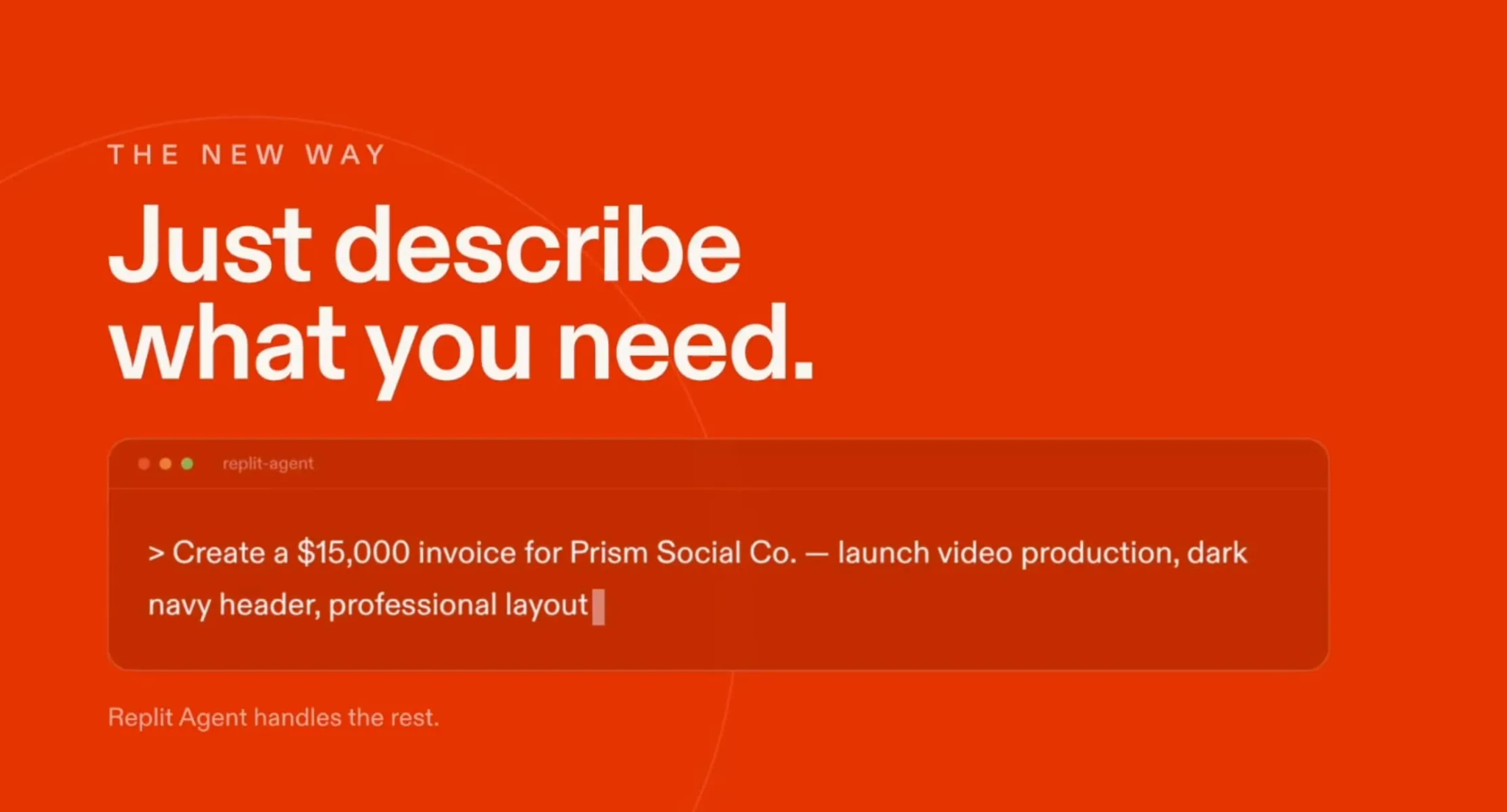
Here’s how to do it step by step.
1️⃣ Get Started On Replit: Go to Replit and sign up to access its AI tools. This gives you a workspace to generate and manage outputs.
2️⃣ Access The Invoice Generator: Click the plus button after logging in and select the Invoice Generator Skill. This activates the feature instantly.
3️⃣ Describe Your Invoice Clearly: Provide all required details like amount, client name, service, and style. For example, create a $15,000 invoice for Prism Social Co with a professional layout and dark navy header.
4️⃣ Let AI Generate The Invoice: Replit will process your prompt and create a structured invoice within seconds. The format is clean and ready to use.
5️⃣ Review And Customize If Needed: Make small edits if required to match branding or specific requirements. The base structure is already done.
6️⃣ Send Or Save Immediately: Once finalized, you can send the invoice or download it for your records. No additional setup needed.
The Takeaway
Invoices do not need to be time consuming. With AI, you can turn a simple prompt into a professional document instantly. The faster you handle admin tasks, the more time you have for work that actually matters.
As we prepare more "Growthful" content, we'd love to hear your thoughts on today's edition! Feel free to share this with someone who would appreciate it. 🥰